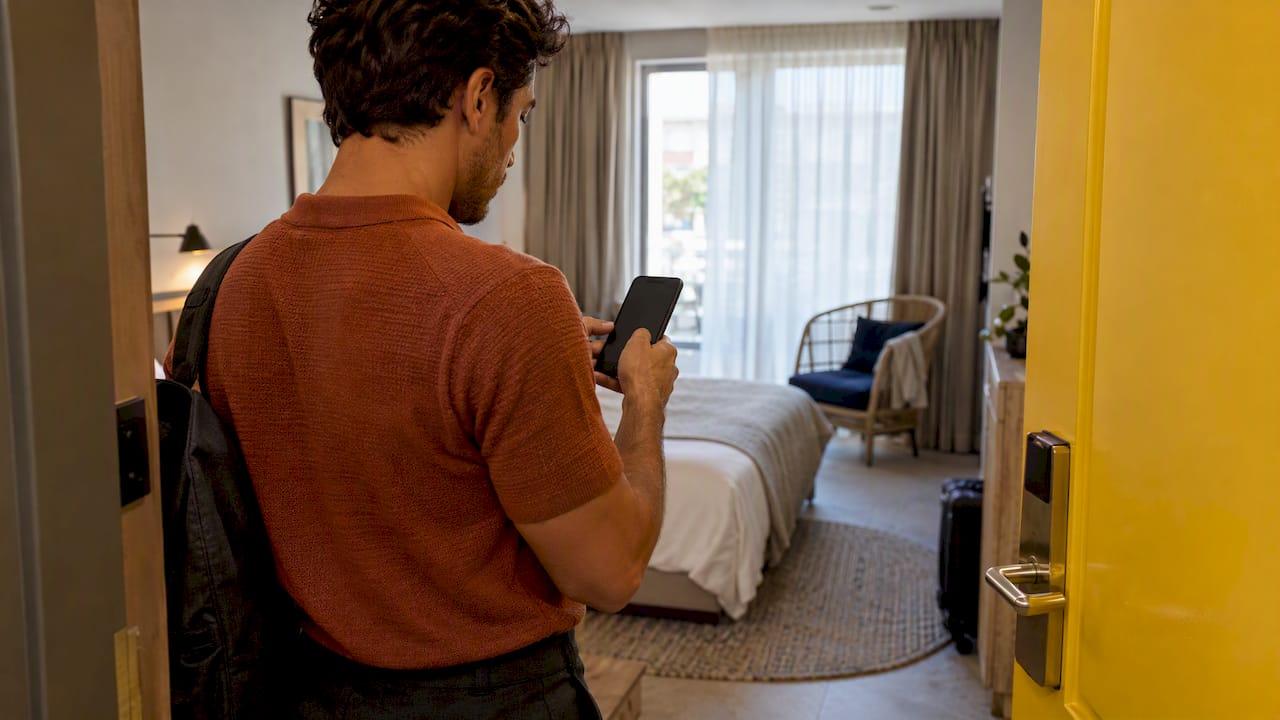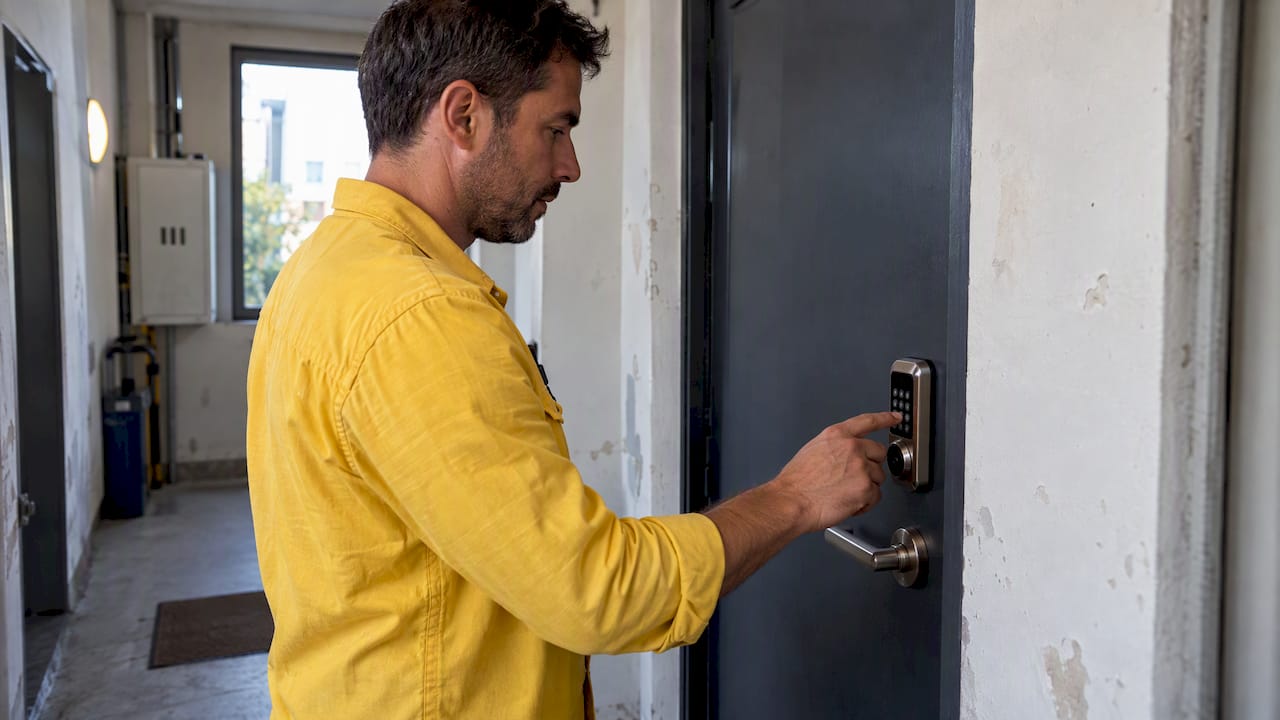
Offline smart lock access means the lock checks a credential against data stored on the device itself, without calling a server. In practice, that keeps PIN codes, NFC or RFID cards, phone-to-lock Bluetooth pairing, and a mechanical key backup working during an outage. What stops working is anything that needs the cloud in the moment: remote unlocks from an app, freshly issued credentials, push alerts, and centralized logs, all of which wait for the next sync.
TL;DR:
- Offline smart locks store local credentials that enable basic entry during outages but cannot execute remote commands or update credentials instantly.
- Lock revocation and expiry depend on device synchronization, which can be delayed by hours if the lock relies on Bluetooth or infrequent Wi-Fi updates.
- Short validity windows and single-use codes significantly limit the damage caused by delayed revocation or credential exposure.
- Regularly check battery levels, firmware status, and physically test mechanical backups to ensure reliable offline operation.
- Using high-quality hardware, secure pairing methods, and cryptographic standards minimizes security risks associated with offline functionality.
Table of Contents
- How Offline Access Works Behind the Scenes
- Offline Credential Types, Setup, and Trade-Offs
- Why Smart Locks Go Offline and What to Check First
- Security Risks of Offline Operation and How to Mitigate Them
- A Practical Checklist for Managing Offline-Capable Locks
- Balancing Convenience and Control in Daily Operations
- How We Help You Automate Offline Lock Workflows
- FAQ
- Sources
How Offline Access Works Behind the Scenes
Every smart lock stores some data locally, but how much varies by model. Standalone locks keep a full list of valid codes and cards on an internal chip and check each attempt against that list, no network required. Locks connected to a hub or gateway behave differently: the hub holds the master credential list and pushes updates to the lock whenever it can reach it, so the lock itself only knows what it last downloaded.
That distinction matters for revocation. When you delete a guest code in your management dashboard, the change takes effect at the lock only after the device reconnects and syncs, which can happen instantly over Wi-Fi or lag by hours if the lock relies on an occasional Bluetooth handshake with a phone or gateway. ENISA’s good practices for smart home environments note that local verification keeps basic entry functions alive, but remote and cloud-based features depend on an active network path or a later synchronization cycle.

Expiry dates work the same way. A code set to expire on checkout day is enforced by the lock’s internal clock, not by a server checking the time, which is why most offline-capable locks keep their own clock even when disconnected for days.
Offline Credential Types, Setup, and Trade-Offs
Each offline credential type has its own setup flow and its own weak point.
- PINs: You create them in the lock’s app or keypad, set a start and end time, and issue single-use or recurring codes; revocation only takes effect once the lock syncs.
- NFC or RFID tags: Provisioning means tapping a blank card to the lock to register it; losing a card means walking over to deactivate it locally if the lock has not synced with the cloud list yet.
- Bluetooth phone-to-lock pairing: The guest’s phone holds a cryptographic key that unlocks the door within a few meters, but the security of that flow depends entirely on how well the guest’s own device is protected.
- Mechanical key fallback: Useful when batteries die or electronics fail, but only if you have controlled who holds a copy and changed the cylinder after a lost key.
PINs tend to be the easiest to manage at scale for short-term rentals, while Bluetooth pairing gives a smoother guest experience at the cost of depending on someone else’s phone security.
Why Smart Locks Go Offline and What to Check First
Locks drop offline for a handful of predictable reasons: a router or gateway outage, drained batteries, a firmware crash, or a blocked cellular or mesh connection between the lock and its hub. None of these are rare events over a lock’s lifespan, which is why ENISA’s full report on smart home resilience frames availability as a design choice, not an accident: a lock built to store more credentials locally and sync less often trades some real-time control for more uptime during outages.
When a lock reports offline, check the basics first: battery level, the gateway’s power and internet status, and whether a firmware update stalled mid-install. Most “offline” incidents trace back to one of those three, and confirming which one saves time before escalating to a vendor support line.
Security Risks of Offline Operation and How to Mitigate Them
The biggest offline risk is revocation lag: a code you deleted in the app can still open the door until the lock syncs again. Short validity windows and single-use codes shrink that exposure window dramatically, since a code that expires at checkout causes far less damage than one that lingers for weeks.
Physical risks matter just as much as digital ones. A lock with a weak cylinder or poor tamper resistance can be defeated regardless of how strong its digital credentials are, so installation quality and hardware grade deserve as much attention as the app. ENISA’s broader smart home report treats smart locks as security products that need combined planning across availability, authentication, cryptography, and recovery, not just a single feature like offline unlocking.

Communication channels need protection too: Bluetooth and keypad interfaces should use rate-limiting against brute-force PIN attempts, secure pairing procedures, and current cryptographic standards rather than legacy protocols.
Pro Tip: Set guest PINs to expire at checkout automatically rather than relying on yourself to remember to delete them.
ENISA recommends treating connectivity loss as an expected operating condition, not an exception, when designing smart home access controls. That stance means your revocation policy should assume sync delays will happen, not hope they won’t.
A Practical Checklist for Managing Offline-Capable Locks
Running offline-capable locks reliably comes down to a routine, repeated for every booking.
- Before arrival: Check battery level, confirm firmware is current, issue a short-validity guest code, and test the mechanical key fallback.
- During the stay: Give guests clear, simple instructions for the lock and a direct contact number for failures.
- At departure: Force the credential to expire on the next sync rather than trusting the original end date alone.
- Afterward: Rotate admin credentials periodically and review the access log for anything unusual.
Following ENISA’s guidelines for securing the Internet of Things, these steps map to the device lifecycle: setup, daily use, and eventual retirement all need their own checks. For managers running several properties, we have found that a documented data-protection routine around credential records keeps this checklist consistent across a whole portfolio rather than dependent on memory.
Balancing Convenience and Control in Daily Operations
The real trade-off in offline access is not security versus convenience, it is speed of revocation versus guest convenience. Single-use codes with short windows solve most of that tension at once, since a lost or shared code simply stops mattering once it expires. Long admin sessions and reused master codes are where most avoidable risk creeps in.
— Sofía Herrera
How We Help You Automate Offline Lock Workflows
Our platform integrates with some smart locks, enabling autonomous self check-in without manual code generation for every reservation.

- We generate and expire guest PINs automatically, tied to each reservation’s actual dates.
- We send guest data to SES Hospedajes automatically, keeping you compliant with Real Decreto 933/2021 without extra paperwork.
- We sync calendars across multiple platforms to help prevent overbooking.
Explore our features for smart lock integration or start a free trial at EuroCheckin to see how automated code management fits your properties.
FAQ
Why is my smart lock offline?
A lock usually goes offline because of a router or gateway outage, a drained battery, or a stalled firmware update. Check those three sources first, since they explain most disconnection reports before you need to contact vendor support.
Can a smart lock work without Wi-Fi?
Yes, for functions that rely on locally stored credentials such as PINs, NFC or RFID cards, and Bluetooth phone pairing, since the lock checks these against data already saved on the device. Remote unlocks, newly issued codes, and live activity logs typically need a network connection or a later sync to work, according to ENISA’s smart home guidance.
How do I connect my smart lock to Wi-Fi?
Most locks connect through a companion app or a separate gateway device that bridges the lock’s local protocol, often Bluetooth or Zigbee, to your home or property Wi-Fi network. Exact steps vary by manufacturer, so the device’s own setup guide is the most reliable source for your specific model.
How hackable are smart locks?
Risk depends heavily on the model, installation quality, and how credentials are managed, rather than being a fixed property of all smart locks. ENISA’s recommendations point to authentication strength, physical tamper resistance, and consistent firmware updates as the factors that most affect how exposed a lock actually is.