
Calendar sync latency is the gap between the moment a night is booked on one platform and the moment every other platform shows that night as blocked. With iCal links, that gap can run from minutes to a couple of hours. During that window, a second guest can book the same dates. You cannot make iCal instant, but you can shorten the window, find which channel is the slow one and set up your calendar so a delay does not turn into an overbooking.
TL;DR
- Calendar sync is not real time. Booking.com states that an update can take up to two hours to refresh, and Rentalia reports typical iCal updates of 15 to 60 minutes per portal.
- The delay is a property of the connection type (iCal import on a schedule versus a direct connection) and of each portal’s own refresh cycle, not of your devices.
- Diagnose it with a test booking, then check that dates block on every channel within the expected window.
- Keep one connection per portal, check that each link is still active and review the busiest dates first.
- Our platform synchronizes your calendar with Airbnb, Booking, Vrbo and more than 12 other platforms, so you manage availability from one place.
Table of Contents
- What calendar sync latency means for a rental
- How long does an update really take?
- What causes delays in calendar synchronization?
- iCal versus a direct connection
- How to test your own sync delay
- How to reduce the risk of double bookings
- Latency also affects check-in
- Our perspective on sync and overbookings
- Put your calendar, check-in and registration in one place
- A short routine to keep latency under control
- FAQ
- Sources
What calendar sync latency means for a rental
When you list the same apartment on several portals, each portal keeps its own calendar. Nothing is shared by magic. Every portal either reads the other calendars on a schedule or receives updates through a direct connection. Latency is the time that passes between a booking and the moment the other calendars learn about it.
For a host, the practical meaning is simple. Between the first booking and the last calendar refresh, the property is still shown as available somewhere. If a guest books it there, you have two reservations for one night.
The risk is not constant. On a quiet Tuesday in February, nobody else is looking at your dates. On a long weekend or in the peak of August, when the same property is published on four portals and demand is high, several guests may be looking at the same nights in the same minutes. That is when even a short delay matters.

How long does an update really take?
There is no single number, because it depends on which portal you ask. Here is what the platforms themselves publish.
| Source | What it says | Practical reading |
|---|---|---|
| Booking.com Partner Help | Calendar sync is not real time and can take up to two hours to refresh. Connected external calendars are imported automatically every two hours. | Plan for a window of up to two hours on this channel when the other side is an iCal link. |
| Rentalia Help Center | iCal sync is not real time. Each portal has its own update time, usually between 15 and 60 minutes. | Expect 15 to 60 minutes per portal, and treat that as a small but real risk window. |
These figures describe iCal-type synchronization. They are not a promise for every connection method, and each portal can change its own cycle. Check the official help page of each channel for the current behavior before you build a routine around a number.
What causes delays in calendar synchronization?
Most latency comes from a handful of causes. Knowing which one applies to you tells you what to fix.
Scheduled imports instead of instant updates
An iCal link is a file that a portal downloads again and again. It does not push anything. The portal fetches the file at its own interval, reads the blocked dates and updates its calendar. Booking.com, for example, imports connected external calendars every two hours, according to its partner help page. A booking made one minute after an import is invisible until the next one.
Chains of calendars
Sometimes Portal A feeds Portal B, which feeds Portal C. Each hop adds its own waiting time. A booking on Portal A may need to wait for B to import it, and then for C to import it from B. The delays add up. The fewer hops between your busiest channel and the rest, the shorter the total window.

Duplicate or conflicting connections
Rentalia advises against adding more than one iCal from the same portal. If a portal is already connected by another method, such as XML or an API, adding an iCal on top can cause conflicts and duplicate blocks, according to its help center. The calendar then looks inconsistent, and hosts often read that as latency when it is actually a configuration problem.
A connection that stopped working
The same Rentalia page notes that if a portal fails or interrupts its synchronization, the sync stops working. Nothing warns you in the calendar itself. The dates simply stop updating. A link that was regenerated, a deleted listing or a portal outage can all produce this. Hosts often discover it only when a guest arrives to an occupied apartment.
Rates and rules that do not match between channels
A calendar can look perfectly synchronized and still let reservations in that you did not expect. If rates or availability rules differ between channels, or are not defined at all in the tool that manages them, a reservation can arrive at a price you never set for dates you thought were closed. This is not latency, but it produces the same result, and it is worth checking in the same review.
Heavy load and many events
Sync delays can also come from busy servers or from a calendar carrying a very large number of events. A long-running calendar with years of past reservations is slower to process than a clean one. If you manage many properties, keep each calendar tidy and avoid unnecessary events.
iCal versus a direct connection
The biggest lever you control is the type of connection. Roughly, there are two families.
- iCal (ICS) links. Simple, free and supported almost everywhere. Each side polls on a schedule, so the delay is in minutes to hours.
- Direct (API-based) connections. The booking information travels as soon as it is created, so updates arrive much faster. These connections need to be supported by both the portal and the tool you use.
A practical habit used by experienced property managers is to look first not at how many channels are connected, but at how many of them run through iCal and how many through a direct connection. If the channel that brings the most bookings is on iCal, that is where your overbooking exposure is concentrated. Moving that single channel to a faster connection often matters more than perfecting the rest.
If you are choosing a tool, look for one that lists, per channel, how it connects, and that shows when each calendar was last updated.
How to test your own sync delay
Do not guess your latency. Measure it. Rentalia recommends a simple test: create a booking on one portal and check that within 30 to 60 minutes the same dates are blocked on all the others, as described in its iCal guidance. Here is the process step by step.
- Choose a date far from real demand. Pick a night several months ahead that you are happy to block, ideally midweek and off-season.
- Create a test block or booking on Portal A. Note the exact time.
- Check Portal B, C and D every 10 to 15 minutes. Write down when the dates become unavailable on each.
- Record the longest delay. That is your real risk window for this property.
- Repeat in the opposite direction. Create the block on the portal that was slowest and see how fast the rest react.
- Delete the test block on every portal once you are done, so the dates are not left closed by mistake.
- Repeat after any change. A new channel, a new link or a new tool changes the picture.
If Booking.com is one of your channels, you can also trigger an import yourself. The partner help page explains that operators can click “Import now” on the Sync calendars page to refresh immediately instead of waiting for the next automatic cycle. Use it before a busy weekend or after you notice a mismatch.
How to reduce the risk of double bookings
You cannot remove latency on iCal, so the goal is to shrink the window and limit the damage. These steps work together.
Keep one connection per portal
Follow the rule above: one link per portal, and no iCal on top of an existing direct connection. Review each channel and remove duplicates.
Check that every connection is active
Schedule a regular check, for example the first Monday of each month and before every high season. Open each portal, confirm the last import time and make sure the calendar still reflects a recent reservation. A link that went silent is the most expensive kind of delay, because it is unlimited.
Shorten the chain
Connect every channel to one central calendar instead of daisy-chaining portals. One source of truth means each booking has to travel one step, not three.
Use the manual refresh when it matters
Before peak weekends, bridges and holiday weeks, trigger manual imports where the portal allows it. It costs a minute and closes the window at the moment of highest demand.
Add buffer rules on high-demand dates
If your channels allow it, set a minimum stay or a one-night gap around dates where several guests compete for the same property. A buffer will not stop two bookings, but it reduces how often a late-synced night is the only free one.
Align rates and rules across channels
Check that every channel has the same availability rules and that no rate exists that you did not define. A synchronized calendar with an unconfigured rate is an open door.
Prepare a response plan
Even good setups can fail once. Decide in advance what you will do: which alternative property you can offer, who contacts the guest and how fast. A clear plan makes a rare overlap a small incident instead of a crisis. Check the cancellation and relocation rules of each portal so you know what applies.
Latency also affects check-in
A late update does not only cause overbookings. If your arrival process depends on the calendar, a delayed or missing booking can mean a guest without a door code, without the registration form or without a reminder. Registration of travelers is a legal duty in Spain, and it starts from the booking data. If you want to see what that duty involves, read our guide to SES Hospedajes compliance for Spanish hosts. And if you use smart locks, our article on how to automate smart lock codes for every booking shows how to tie codes to each reservation so arrivals do not depend on manual steps.
Our perspective on sync and overbookings
Most hosts first look at latency when something has already gone wrong: a guest arrives and the apartment is taken. We prefer to look at it before that, when the calendar setup is still a choice.
Our view is that availability should live in one place. When your calendar, your online check-in, your guest data and your arrival tools all read from the same reservation, there is one version of the truth to keep correct. That is why we built EuroCheckin to synchronize your calendar with Airbnb, Booking, Vrbo and more than 12 other platforms, and designed it to avoid overbookings without manual work.
The other half of the answer is what happens after the booking. Every reservation that reaches the platform can trigger the guest’s online check-in, the registration data that goes to SES Hospedajes, the digital contract and, with Nuki, TTLock or Yale, the access to the property. A delay in the calendar then stops being a surprise, because you see each arrival as it happens, with instant notifications.
Our advice is practical: measure your delay once, simplify your connections, check them regularly and give your busiest channel the best connection you can. Do that, and latency becomes a number you know instead of a risk you fear.
Sofía Herrera
Put your calendar, check-in and registration in one place
If you manage a vacation rental, a hostel or a hotel in Spain, EuroCheckin brings calendar synchronization, unlimited multilingual online check-in, automatic reporting of guest data to SES Hospedajes and smart lock integration into one platform. The plan for accommodations starts at €5 per month per accommodation, with a free trial. Hotels pay €3 per month per room. You can see both on EuroCheckin for accommodations and EuroCheckin for hotels.
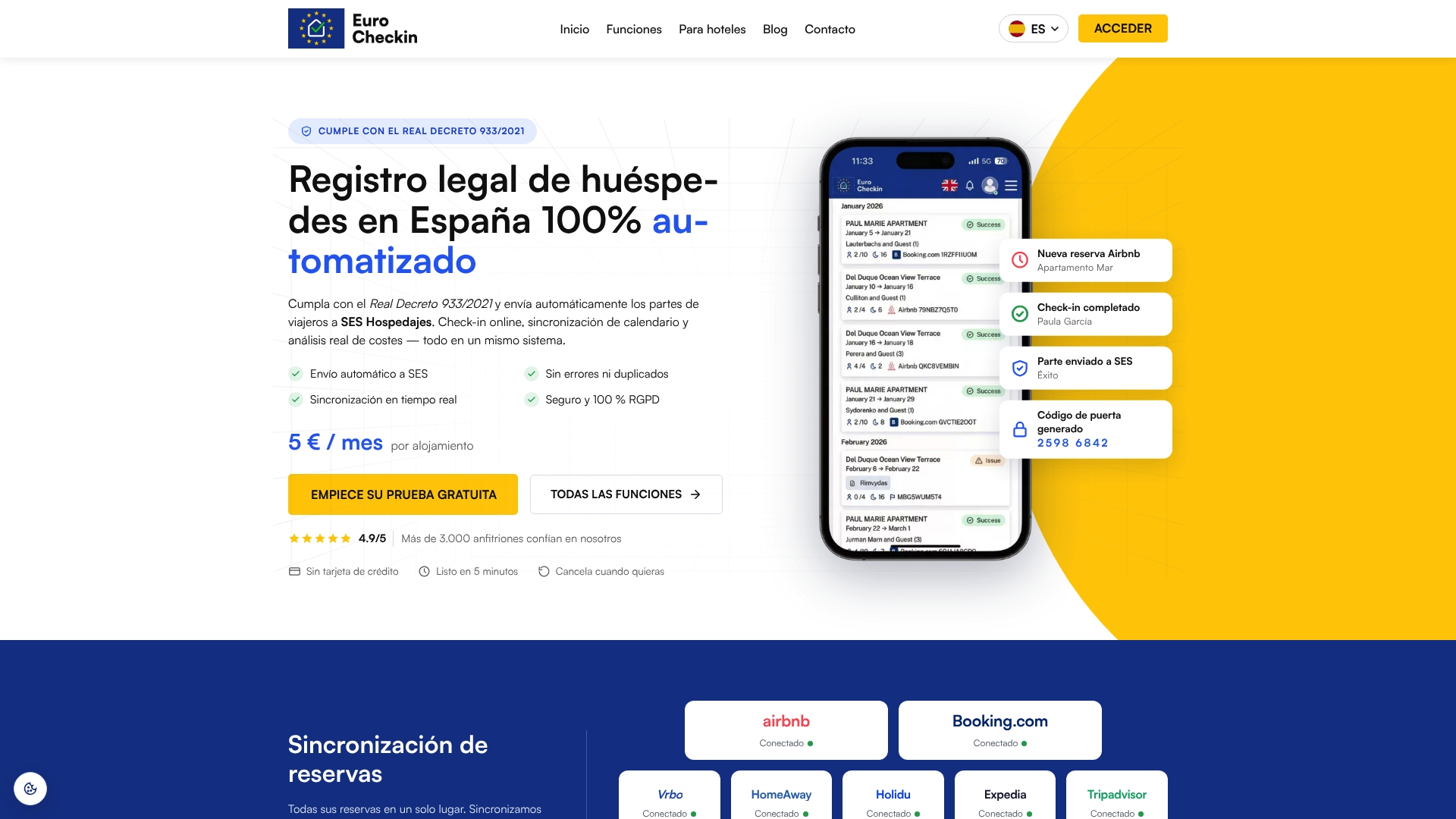
If you would rather not handle the first registration yourself, we also offer a one-off registration service for SES Hospedajes, from €79 per accommodation.
A short routine to keep latency under control
Use this checklist every month and before each high season.
- Open every portal and confirm the last calendar update time.
- Confirm there is only one connection per portal.
- Look for dates that are blocked on one channel but open on another.
- Run a test block on a low-demand night and time how long it takes to appear everywhere.
- Refresh manually (for example with “Import now” on Booking.com) before peak weekends.
- Review rates and availability rules on every channel.
- Write down your relocation plan for a double booking.
Keep the results. After two or three rounds you will know which channel is slowest, and you will know whether it is worth changing the way it connects.
FAQ
Is calendar sync ever truly instant?
It can be close to instant when two systems are connected directly and one sends the update as soon as a booking is created. iCal links are different: each side imports on a schedule, so the delay can be minutes to hours. Booking.com, for instance, says its calendar sync is not real time and can take up to two hours.
How long should I wait before worrying that a booking did not sync?
As a rule of thumb, Rentalia suggests checking that dates are blocked on all portals within 30 to 60 minutes of a test booking. If a channel still shows the dates open after the longest cycle the portal publishes, check that the link is active and trigger a manual import if the portal offers it.
Why do I see duplicate or strange blocks in my calendar?
The usual cause is more than one connection to the same portal, for example an iCal added on top of a direct connection. Remove the duplicate and keep one link per portal. Then wait for the next refresh cycle and check the dates again.
Can I eliminate double bookings completely?
You can reduce the risk a great deal by shortening the chain of calendars, using faster connections on your busiest channel, checking links regularly and aligning rates and rules. Because iCal is not real time, a small window always exists on that type of connection, so a response plan is still worth having.
Sources
- Booking.com Partner Help: How to synchronize your calendars across channels
- Rentalia Help Center: iCal synchronisation, useful information