To automate smart lock codes, connect your booking source (a channel, a calendar or a property management system) to software that talks to your lock. Each confirmed reservation then creates its own code, the code works only from check-in to checkout, and a cancellation or date change updates or deletes it without you touching anything. You need three things: a lock that supports remote codes, a connection that reads reservations, and clear rules for timing and revocation.
This guide walks through each piece step by step, with the settings that matter and the mistakes that cause lockouts. It also covers what Spanish operators should keep in mind about guest data.
TL;DR
- Automation means one reservation creates one unique, time-limited code, with no manual typing, no shared codes and no key handovers.
- You need a compatible lock (with a keypad or a link-based entry method), a booking connection and a rule for when codes start and stop.
- Set a check-in buffer, an automatic expiry at checkout and deletion on cancellation, then test with a fake booking before real guests arrive.
- Treat codes and guest data as personal data: collect only what Spanish rules require and keep your Wi-Fi and lock gateway updated.
- EuroCheckin connects online check-in, calendar sync and TTLock, Nuki and Yale locks, from €5 per month per accommodation.
Table of Contents
- Why manual codes stop working as you grow
- How automated guest codes work
- What you need before you start
- Step by step: set up automatic codes
- Timing rules that prevent lockouts
- Can a smart lock hold many codes at once?
- Does the door lock itself?
- Security and privacy in Spain
- Our perspective
- Put codes, check-in and registration in one flow
- Common mistakes to avoid
- FAQ
- Sources
Why manual codes stop working as you grow
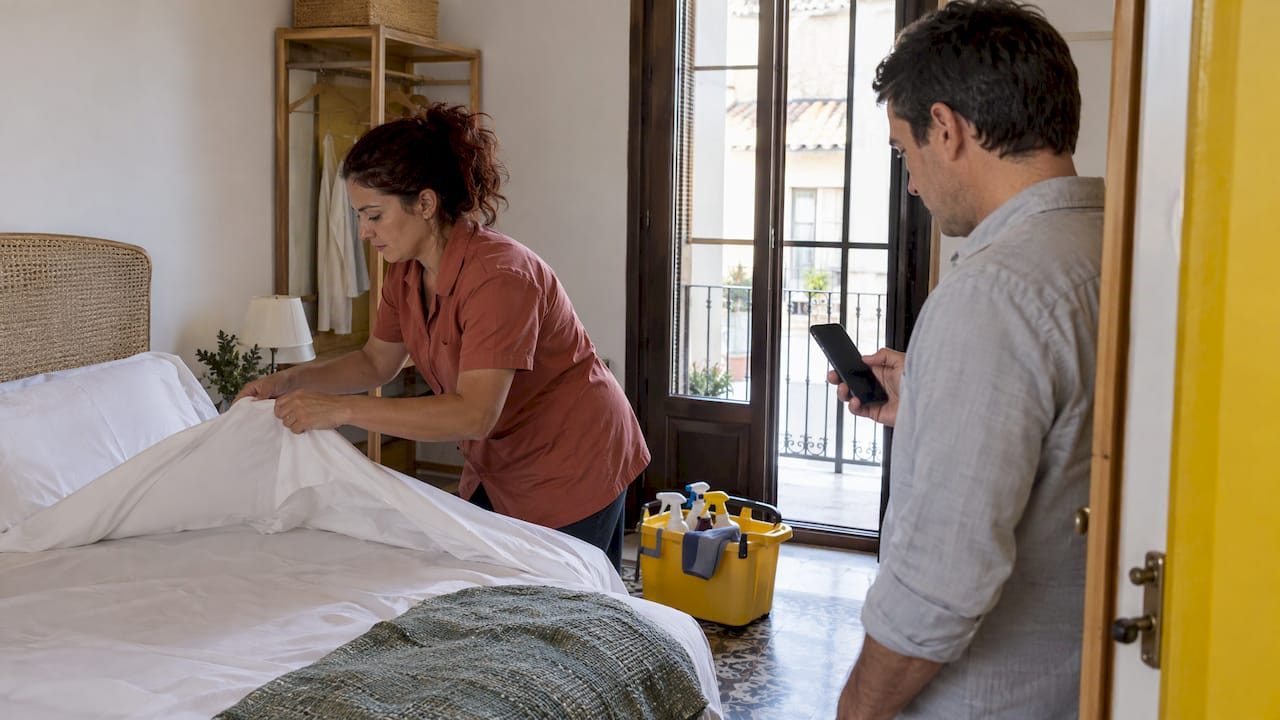
The manual routine is familiar. A booking arrives, you open the lock app, create a code, copy it into a message and remember to delete it after checkout. With one apartment it takes five minutes. With ten apartments and frequent changes it becomes a daily source of errors.
The typical failures are predictable:
- A code is sent to the wrong guest or for the wrong dates after a booking is modified.
- A code is never deleted, so a former guest can still enter weeks later.
- A late arrival finds a code that has not been activated, and you handle it from your phone at midnight.
- One shared code is reused for everyone, which means you cannot tell who opened the door or revoke one person without changing it for all.
Automation removes the human step between the reservation and the lock. The booking is the trigger, the dates define the code’s lifespan, and the system does the rest.
How automated guest codes work
The logic is the same across most systems. When a reservation is confirmed, software creates a guest authorization on the lock for the stay. Seam describes the model as turning each booking into automatic access: a door code that starts working at check-in and stops at checkout.
The same source explains what happens afterward: date changes update the access grant, and cancellations delete it. In practice, systems map the reservation’s check-in and checkout times to the code’s active window, so the code only functions during the stay.
So the automation chain has four links:
- Reservation arrives from Airbnb, Booking.com, Vrbo or a direct booking, usually through calendar sync or a channel connection.
- Code creation happens on the lock, either through the manufacturer’s cloud or a gateway.
- Delivery sends the code (or a link) to the guest, ideally together with the check-in form and the house guide.
- Expiry removes or deactivates the code after checkout.
If any link is manual, you do not have automation yet; you have a faster manual process.
What you need before you start
A lock that can create codes remotely
Not every smart lock does this. Check three things before buying or configuring:
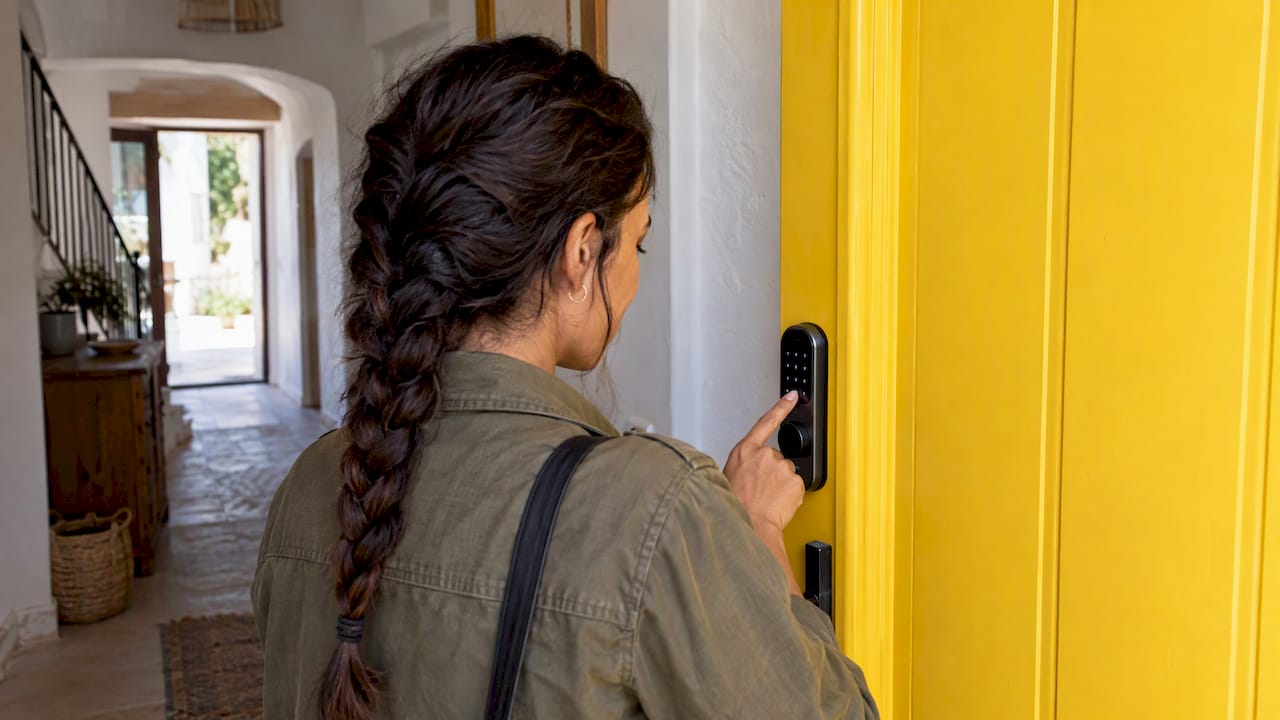
- Keypad or link-based entry. A keypad lets guests type a PIN. Some systems also use an access link so the guest opens the door from a phone without installing an app. Nuki states that guests can use access links or keypad codes without installing the Nuki app, provided the host has set up those entry methods.
- Remote connectivity. If the lock only talks to a phone over Bluetooth, it cannot receive a new code while you are away. A bridge or gateway that connects the lock to the internet is what allows remote creation.
- Support for many simultaneous users. You need room for the current guest and the next one, plus buffer entries for cleaners.
A connection to your bookings
The lock has to know about reservations. There are three common routes:
- The lock manufacturer’s own booking integration. Nuki’s Spanish Smart Hosting service connects the lock to booking platforms, creates and shares access before arrival, and expires it automatically after checkout. Access formats include app access, a 6-digit code and a web link.
- A platform’s native lock integration. Airbnb says that with a connected smart lock, a unique 4-digit code is generated for each new guest, active from check-in and expiring after checkout. This covers Airbnb bookings only, so it leaves gaps if you also sell on other channels.
- A host platform that sits across all channels. One tool receives reservations from every source and drives the lock, so the rules are the same whatever the channel.
If you list on more than one portal, the third route avoids maintaining separate configurations per channel. That also helps prevent a booking on one channel from creating a code conflict with another.
A way to reach the guest
A code is useless if it arrives late or gets lost in a booking-platform inbox. The best moment is after the guest has completed online check-in, since you then know who is arriving and have the required registration data. Our guide on the Real Decreto 933/2021 requirements for hosts explains why that data collection is mandatory in Spain anyway, so tying the code release to it costs you nothing extra.
Step by step: set up automatic codes
The sequence below works whichever lock brand you use. Exact menu names differ.
- Install and test the lock manually. Confirm that it locks and unlocks reliably with a physical key and with a test code before adding any software.
- Connect the lock to the internet. Add the bridge or gateway, place it close to the lock and confirm the lock appears as online in the app.
- Link your accommodation’s calendar. Use the calendar or channel connection so every reservation becomes a record the system can read. Check that check-in and checkout times are set per property, not left at defaults.
- Create the code rule. Choose when codes become active, when they expire, and the code length. If you use a keypad lock, decide whether guests get a PIN, a link or both.
- Set the message. Attach the code or link to the pre-arrival message, not to the booking confirmation, so it does not sit in an inbox for weeks.
- Make a test reservation. Block a date range with a fake booking, check that a code appears on the lock, that it works only inside the window and that it disappears after.
- Test the change cases. Move the dates, shorten the stay and cancel it. Each one should update or remove the code.
- Go live property by property. Start with one apartment, watch a few real stays, then roll out to the rest.
Timing rules that prevent lockouts
Most problems come from timing, not technology. Four settings deserve attention.
Check-in buffer
The code should be active before the stated check-in time if you want to allow early arrivals, but not so early that it overlaps with the previous guest. Decide a standard window, for example activation at your published check-in time, and let guests ask for exceptions through the guest message. If you grant an early check-in, extend that one reservation rather than changing the rule for every booking.
Checkout expiry
Expiry should match the checkout time, with a small allowance only if your cleaners arrive immediately after and use their own codes. A guest who is still packing at checkout time can be locked out of the unit, which is usually fine, but a guest who has left a child or a bag inside needs a way to contact you. Put your phone number in the house guide.
Revocation on cancellation and changes
Cancellations must remove the code immediately, and date changes must move the window. This is the main reason to prefer a system that reads the live reservation over one that generates codes once and forgets them. Test it deliberately, as in step 7 above.
Lead time and lock memory
Hardware has limits. Nuki developers have noted that guest authorizations are stored locally on the lock for security, so very long lead times for code generation can eventually hit storage limits. That note dates from 2018 to 2019, so check current limits for your model, but the principle holds: do not create codes months ahead for every future booking. Generate them a few days before arrival.
Can a smart lock hold many codes at once?
Yes. Most keypad smart locks can store multiple users, and that is the point of automation: each guest gets a separate code, which also means each entry can be attributed to a person and a stay. Nuki says hosts can customize invitation settings and manage permissions in Nuki Web or the app, including keypad entry codes where applicable.
Separate users also help you manage:
- Cleaners and maintenance staff, with their own recurring codes and limited weekday windows.
- Owners and managers, with permanent codes you can revoke individually.
- Guests, with codes that live and die with the booking.
Never reuse a guest code for staff, and never use the same code for two properties.
Does the door lock itself?
Automated entry is only half the job. Security also depends on the door locking again after every use. Many smart locks have an auto-lock option. On Nuki, Auto Lock engages after a delay you configure between 30 seconds and 30 minutes. With a Door Sensor it can lock immediately after the door closes, and it will not lock while the sensor reports the door open, which avoids the bolt extending against an open door.
For rentals, a short delay plus a door sensor is the safest combination, because guests rarely remember to lock up. Mention auto-lock in the house guide so a guest is not surprised when the door locks behind them while they take out the trash.

Security and privacy in Spain
Automatic codes involve two kinds of risk: someone entering who should not, and guest data being handled badly.
Keep the access chain secure
- Use unique codes per stay, never one code for all guests.
- Delete expired codes instead of leaving them inactive.
- Update your Wi-Fi equipment. INCIBE advises businesses to keep router and access-point firmware updated to the latest version, and recommends a risk analysis of customer Wi-Fi with measures based on the results. A lock gateway that depends on an outdated router is a weak point.
- Turn on two-step verification for the lock account and the booking tool, and limit who has admin access.
Do not over-collect guest data
In Spain, traveler data must be registered, but only what the rules require. The AEPD has said that legally required traveler-identification data may be collected, while photographs of guests used for access control and billing were unnecessary and disproportionate and not covered by contract performance or a legal obligation. A smart lock that unlocks with a code needs no face photo or extra identity scans to work.
Keep your data minimal. Our guest data checklist for Spain lists what to collect and what to leave out, and the article on booking calendar privacy covers what your synced calendars reveal about guests.
Our perspective
We see the same pattern in Spanish rentals: hosts automate the lock first and the legal registration later, then discover that they are two halves of the same arrival. A guest cannot enter before they are known, and in Spain you must report each guest’s data to SES Hospedajes. So we design the flow in that order: reservation, online check-in form, registration data, then access.

This matters because the form is the natural gate for the code. When the guest completes check-in, you have their details, the contract and the house rules signed, and only then does the door information go out. It saves you chasing guests, and it keeps the code from being sent to an unverified booking. We connect that flow with TTLock, Nuki and Yale locks so the self check-in is autonomous, and we keep the data on secure infrastructure within the European Union.
Our advice is to automate in small steps. Start with one property, one lock and one clear window of activation. Once you trust it, extend the same rules to the rest. A simple, tested rule beats a sophisticated one that nobody has checked.
— Sofía Herrera
Put codes, check-in and registration in one flow
EuroCheckin brings together unlimited multilingual online check-in, automatic reporting of guest data to SES Hospedajes, calendar sync with Airbnb, Booking, Vrbo and more than 12 other platforms, digital contracts, a digital guest guide and smart lock integration with TTLock, Nuki and Yale. The accommodation plan costs €5 per month per accommodation, with a free trial, and the hotel plan costs €3 per month per room.
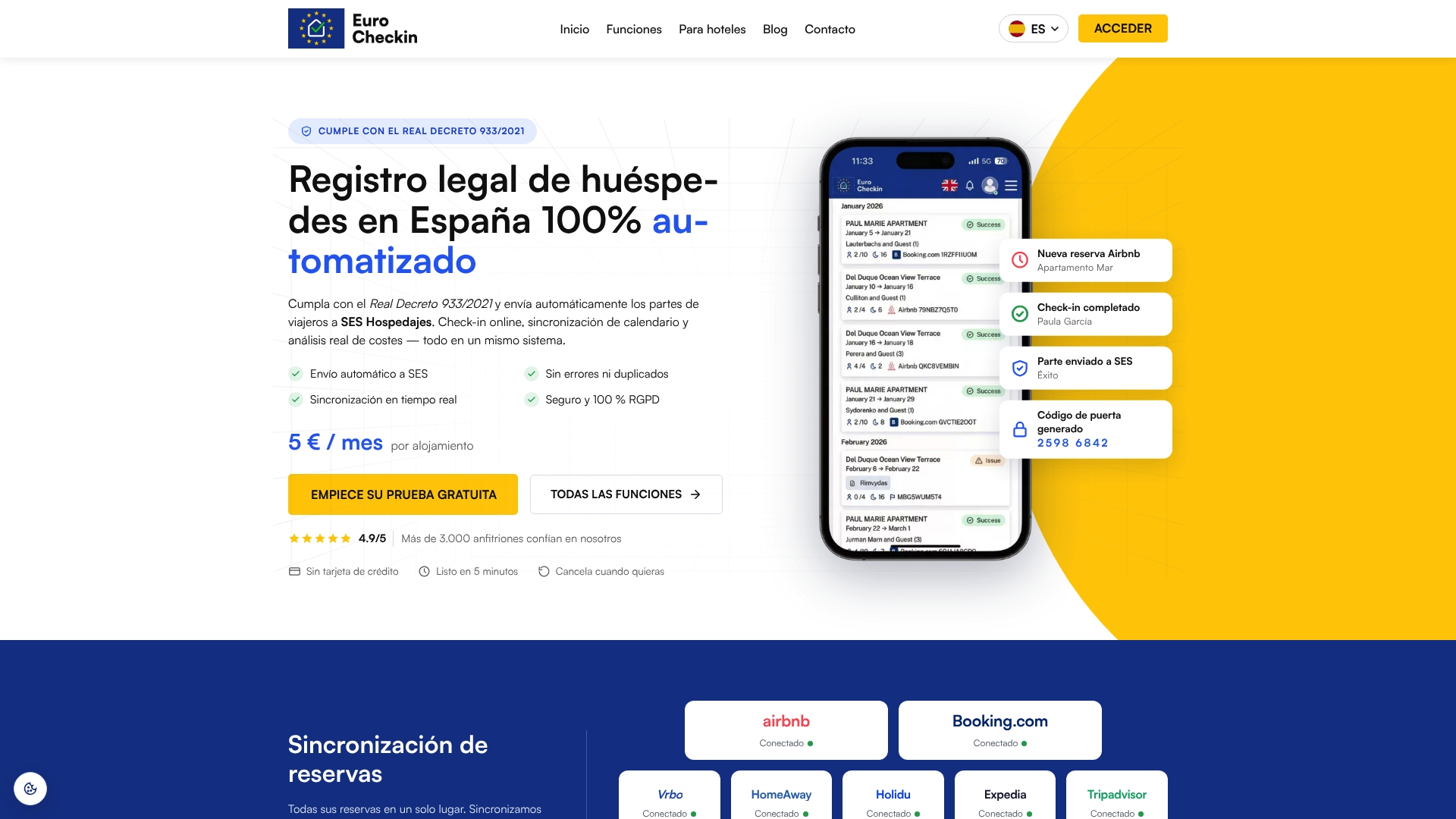
You can see the plan for accommodations or the plan for hotels. If you also need help with your first registration, there is a SES Hospedajes registration service from €79 one-off per accommodation.
Common mistakes to avoid
- Testing only the happy path. Always test a date change and a cancellation.
- Leaving default check-in times. If the system assumes 3 p.m. and your listing says 4 p.m., the code opens early or late.
- Sending the code with the booking confirmation. It gets buried and shared more widely. Send it close to arrival.
- Forgetting a fallback. Keep a backup entry method, such as a lockbox with a key, and a local contact who can reach the property.
- Ignoring batteries. Set low-battery alerts and replace batteries on a schedule, not when the lock fails.
- Collecting more data than needed to release a code. Registration data is required; extra scans are not.
Once access is smooth, the arrival is a good moment to offer extras. Our guides on selling guest add-ons and what to upsell and when show how, and a digital guidebook or concierge can carry the door instructions in the guest’s language.
FAQ
How do I automate door codes for Airbnb and Booking.com guests?
Connect your reservations to a tool that controls the lock, so each confirmed booking creates its own code. Airbnb has a native option for compatible locks, but it only covers Airbnb bookings. If you sell on several channels, use a platform that reads all of them through calendar sync, so the same rules apply everywhere.
Can a smart lock have multiple codes at the same time?
Yes, most keypad locks store several users, which lets each guest, cleaner and manager have a separate code. This is what makes per-booking automation possible. Check your model’s user limit and delete expired codes so you do not reach it.
Does a smart lock lock the door automatically?
Many do, if auto-lock is enabled. On Nuki you set a delay between 30 seconds and 30 minutes, and with a door sensor the lock can engage as soon as the door closes. Always confirm the setting in the app and tell guests about it.
What happens if a guest cancels or changes dates?
A properly connected system updates the code window when dates change and deletes the code when a booking is cancelled. Do not assume this works: make a test reservation, change it and cancel it, and check the lock after each step.
Is it safe to send door codes by message?
It is acceptable when each code is unique, limited to the stay and sent shortly before arrival, and when your accounts use two-step verification. Avoid sending codes weeks ahead or using one code for several guests. Collect only the guest data the law requires.
Sources
- How to automate guest access for vacation rentals (Seam)
- Nuki Smart Hosting
- Airbnb Help: smart locks and guest codes
- How guests get access to the accommodation (Nuki Support)
- Invitations for guests (Nuki Support)
- Airbnb Integration (Nuki Developers)
- Auto Lock (Nuki Support)
- AEPD: registro de datos de ciudadanos por alojamientos turísticos
- INCIBE: dudas legales sobre las conexiones wifi