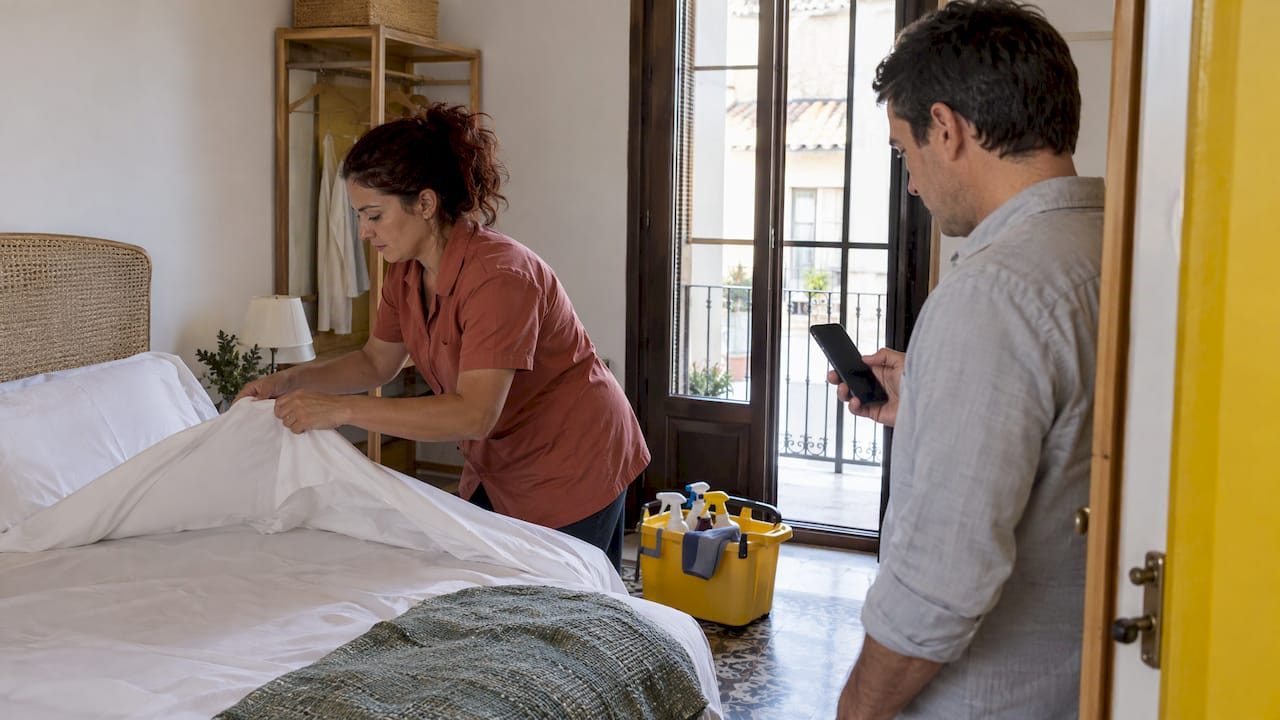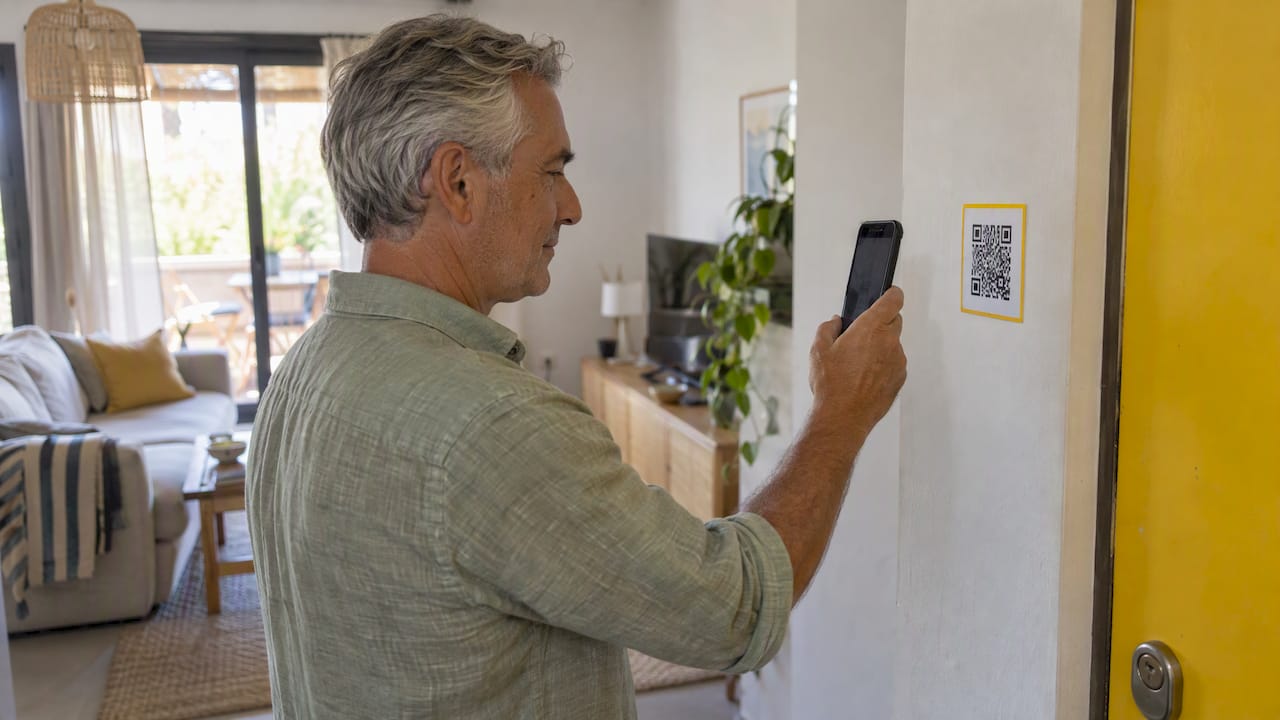
A QR code guest guide is a digital house guide that guests open by scanning a printed code with their phone camera. It replaces the binder on the coffee table with one page you can update in minutes: Wi-Fi, check-in details, house rules, appliance instructions, local tips and emergency numbers. This article shows what to put in it, how to build and test it, where to place the code, and what Spanish rules mean for the data you handle around it.
TL;DR
- Use one QR code per property that opens a mobile-friendly guide. Change the content whenever you need to, without reprinting the code.
- Put the essentials first: how to get in, Wi-Fi, house rules, checkout and an emergency contact. Keep local tips below.
- Print the code large enough for the distance it will be scanned from, test it on iPhone and Android, and add a short link or a written fallback for guests who cannot scan.
- Never put guest identity data in the guide itself. In Spain, traveler data is collected through your registration process and sent to the authorities, not published on a shared page.
- Offer the guide in the languages your guests speak, with at least English and Spanish.
Table of Contents
- What a QR code guest guide is and how guests open it
- What to include in the guide
- What the guide must not contain: guest data in Spain
- How to create your QR code guest guide, step by step
- Where to place and how to print the QR code
- Make it work for international guests and people who cannot scan
- Keep it current and protect guest privacy
- Our perspective: the guide is part of the arrival flow
- Where EuroCheckin fits
- Common mistakes to avoid
- FAQ
- Sources
What a QR code guest guide is and how guests open it
The code is only a doorway. It contains a web address. When a guest points the phone camera at it, the phone offers to open that address in the browser. No app is needed, and no account is needed. What the guest sees is a normal web page designed for a small screen.
That is the whole idea, and it is why the format works for short stays. A guest who arrives at 11 pm does not want to search a folder for the Wi-Fi password. They scan the code on the fridge, tap one section and have the answer.
There are three common ways to build the page behind the code:
- A static web page or PDF that you host yourself. Cheap, but every edit means touching files and links.
- A guidebook tool that lets you edit sections in a dashboard and publishes them to a fixed address.
- A guest guide inside your operations platform, linked to the booking, the check-in and the lock, so the guide can show the right information to the right guest.
If you are deciding between a simple guidebook and a fuller digital concierge, our comparison of digital concierge and guidebook options walks through which fits which kind of rental.
What to include in the guide
The most common mistake is writing the guide the way you would write a travel blog. Guests open it with a task in mind. Order the content by urgency, not by how proud you are of the neighborhood.
Before arrival and at the door
- Exact address and a pin that opens in the guest’s map app
- How to enter: key box code, smart lock instructions or the host who will meet them
- Parking or public transport from the nearest station or airport
- What to do if the door does not open, with a phone number that answers
If you use smart locks, the guide is the right place to explain them in two or three screenshots. A lock that works but is not explained still produces a phone call at midnight.
Inside the property
- Wi-Fi network name and password, shown as text that can be copied
- Air conditioning and heating: the remote, the mode to use, the setting that avoids a huge bill or a noisy unit
- Appliances that cause questions: induction hob, washing machine, coffee machine, water heater
- Where the extra bedding, towels and cleaning supplies are
- Rubbish and recycling rules, which differ by municipality in Spain
House rules and legal information
Put the rules in plain, short sentences: quiet hours, maximum number of guests, smoking, parties, pets. Include a line on community of owners rules when the building has them. Many Spanish apartment buildings have strict neighbor complaints procedures, and a clear rule on the first screen is cheaper than a fine later.
You can also reference the stay contract and the rules of the property here if you use digital contracts with e-signature. The guide should point to the signed document, not replace it.
Local recommendations
Keep this section short and personal. Five restaurants you would actually send a friend to beat thirty listings copied from a map. Add the nearest pharmacy, supermarket and cash machine, plus the emergency number 112. Mark opening habits that surprise foreign visitors, such as the afternoon closing of small shops.
Checkout and what happens next
Say exactly what you expect: the time, where the keys go, whether to strip the beds, what to do with the rubbish. This is also a natural place to ask for a review, a topic we cover in our pieces on Booking.com review requests and how to increase Booking.com reviews.
What the guide must not contain: guest data in Spain
A guest guide is public to anyone who scans or finds the link, so treat it as a public page. Do not publish names, document numbers, booking calendars or anything about previous guests in it.
There is a second, separate duty that guides often get confused with. Under Real Decreto 933/2021, accommodation operators must keep a computerized register of the required traveler data and communicate it to the competent authorities by telematic procedures. In practice, that means collecting data through a check-in form and sending it to SES Hospedajes. The QR guide can link guests to your online check-in form, but the form and the register are a different system with their own security. Our explainer on what Spanish hosts must do under Real Decreto 933/2021 covers the obligation in full, and the guest data checklist for Spain shows what to collect and what to leave out.
Two points from the Spanish data protection agency (AEPD) matter for anyone designing this flow:
- The agency’s note on the accommodation register considers a form containing only the required data potentially sufficient, and says the data can be checked visually against an identity document or online, for example with certificates, payment data or security codes.
- In a 2026 resolution, the agency treated requesting full copies of identity documents such as the DNI or passport at check-in as contrary to the GDPR principle of data minimization, because they contain more data than needed, such as the photograph and expiry date.
So do not design the QR flow as “scan, then upload a photo of your passport to a shared inbox”. Link guests to a form that asks for the fields the rules require and nothing more. The same caution applies to shared calendars: our guide to booking calendar privacy explains how calendar links can expose guest information.
How to create your QR code guest guide, step by step
Step 1: Write the content first
Open a document and write the sections above in order. Use short sentences and one instruction per line. Take photos with your phone of anything that is hard to describe: the fuse box, the lock, the thermostat, the bin area.
Step 2: Choose where the guide lives
You need a web address that will never change. That matters more than anything else, because the code is printed. If the address changes, every printed code breaks. Choose a platform or a domain you control, and avoid temporary links.
If you already use a platform for online check-in and registration, using its built-in guest guide keeps the data in one place. EuroCheckin includes a digital guest guide alongside online check-in, SES Hospedajes reporting and smart lock integrations, so the guide can sit in the same flow as the arrival instructions.
Step 3: Generate the QR code
Create the code from the final address. Use a code generator that gives you a high-resolution file, ideally a vector format such as SVG or PDF, so it stays sharp at any size. Some tools produce “dynamic” codes that point to a short redirect address you can edit later. They are handy, but if the generator service stops or the subscription lapses, the printed code can stop working. For a code on a wall, prefer either a direct address you own or a redirect on your own domain.

Keep the code in dark on light, with a clear blank border around it. Logos in the center look good but reduce reliability.
Step 4: Test it properly
Before you print anything:
- Scan the code on at least one iPhone and one Android phone
- Scan it using the in-app camera of a popular messaging app, since some guests do that
- Try it on mobile data, not only on your home Wi-Fi, because the guest may not have the property Wi-Fi yet
- Open every section and check that text, images and phone numbers work
- Read it at arrival time as a tired traveler would: can you find the door instructions in under ten seconds?
Step 5: Print and place it
See the next section for size and position. Print a spare, and keep the file in a folder named after the property, so a replacement takes five minutes.
Step 6: Send the link too
The printed code works only after the guest is inside. Before arrival, send the same address in your pre-arrival message or through your online check-in. The guide is far more useful at the door than on the fridge.
Where to place and how to print the QR code
The scannability of a code depends on its size and on the distance it is scanned from. One print guide gives a practical minimum of about 1 cm by 1 cm and a rule of thumb of one tenth of the scanning distance for the code’s width, which means a code scanned from 30 inches (about 75 cm) should be at least 3 inches (about 7.5 cm) wide. For a guest standing at arm’s length in front of a door, a code of around 8 to 10 cm is comfortable.
| Location | Why it works | Suggested size |
|---|---|---|
| Inside the entrance, next to the door | First thing a guest sees after arriving | 8 to 10 cm |
| Kitchen counter or fridge | Where Wi-Fi and appliance questions arise | 6 to 8 cm |
| Bedside table or desk | Late-night questions about heating and checkout | 5 to 6 cm |
| Welcome card with the check-in message | Reaches the guest before arrival, on screen | Link, not a print |
A few placement rules from experience:
- Avoid glossy paper under a lamp. Glare makes scanning hard. Use matte stock or a matte laminate.
- Do not place it on a curved or textured surface. A flat card in a frame is better than a sticker on a bottle.
- Avoid damp areas such as next to the kettle or near a bathroom sink.
- Add a short instruction below the code: “Scan with your phone camera for Wi-Fi, house rules and checkout.” Add the same in Spanish.
- Keep it away from the front door of the building. The guide is for guests, not for passers-by.
A branded card looks better and builds trust. If you manage several properties or run a boutique hotel, our page on custom branded check-in shows how a consistent look can carry from the check-in form to the guide.
Make it work for international guests and people who cannot scan
Spain’s visitors come from many countries. In May 2025, the United Kingdom was the main country of residence of international tourists to Spain, with France and Germany also among the leading sources, according to the national statistics institute (INE). Your guest mix will differ by city and season, so look at your own bookings, but the principle is clear: do not write the guide only in Spanish.
- Offer at least English and Spanish, and add the languages of your top two or three source markets. Provide a visible language switch at the top.
- Use simple words. Avoid idioms and local slang. Machine translation is fine as a first draft, but have a native speaker check safety instructions.
- Use icons and photos for appliances so that the guide works even with imperfect translation.
- Write numbers and times clearly. Use the 24-hour clock or add a.m. and p.m., and state the currency symbol for any fee.
Not everyone will scan. Older guests, people with older phones, and guests with no mobile data may not use the code. Keep a fallback:
- Print the short address in plain text below the code.
- Leave a one-page printed sheet with the absolute essentials: door, Wi-Fi, emergency number, checkout time.
- Make sure the guide is readable with large text settings and has good contrast, so that guests with low vision can use it.
- Give a phone or messaging contact that is monitored.
Keep it current and protect guest privacy
A guide that is wrong is worse than no guide. The Wi-Fi password changed, the restaurant closed, the bin day moved. Set a recurring reminder, for example every quarter and after every maintenance change, to open the guide and read it as a guest would.
Useful habits:
- Keep a changelog in your own notes so a cleaner or co-host knows what was updated.
- Remove anything seasonal when the season ends, such as pool hours or event listings.
- Check that every external link still opens.
- Ask departing guests what they could not find. The questions you receive are your best editing brief.
- Do not store guest-specific details on the guide page. If a guide must show something personal, like the door code for this stay, deliver it through an authenticated link sent to that guest, and expire it after checkout.
Where you collect guest data, collect only what the rules require. Use the guest data checklist as a reference when you build or review the form.
Our perspective: the guide is part of the arrival flow

We see many hosts treat the QR code as a separate project: a nice printed card, a PDF behind it, and nothing connected. The guests who get the smoothest stay are those for whom the guide is one step in a connected arrival: a pre-arrival message, an online check-in form in their language, the registration data sent to SES Hospedajes without anyone retyping it, the lock instructions, and then the guide on the wall.
The legal side deserves as much attention as the design. In Spain, a host who collects too much data creates a risk, and a host who collects too little creates another. Keeping the guide free of personal data, and keeping registration in a system built for it, solves both. A digital guide also helps with the commercial side: once it is open, it is the right place to offer a late checkout, a airport transfer or a welcome basket, which we describe in our guides to selling guest add-ons and vacation rental upsells in Spain.
— Sofía Herrera
Where EuroCheckin fits
If you want the guest guide, the online check-in, the SES Hospedajes reporting and the lock integration in one place, EuroCheckin brings them together. Online check-in is unlimited and multilingual, traveler data is sent to SES Hospedajes automatically, and the digital guest guide and smart lock integrations (TTLock, Nuki, Yale) support a fully autonomous arrival. The plan for vacation rentals costs €5 per month per accommodation, and there is a free trial. Hotels can use the hotel plan at €3 per month per room. If you still need to get registered with the authority first, our SES Hospedajes registration service starts from a one-off €79 per accommodation.
Common mistakes to avoid
- Printing a code that points to a temporary link. Always use an address that will last.
- Testing only on your own phone. Test on both main systems and on mobile data.
- Putting everything on one long page. Use short sections with a menu at the top.
- Burying the door instructions. Arrival information goes first.
- Publishing personal data. Keep names, documents and calendars out.
- Forgetting the fallback. Text address, printed sheet and a phone number.
- Never updating. Schedule a review, and fix what guests ask about.
FAQ
Do guests need an app to use a QR code guest guide?
No. Modern iPhone and Android cameras read QR codes natively and open the page in the browser. The guide should be a mobile web page, so there is nothing to install. Add the written address under the code for the few guests whose camera does not offer a link.
Can I put the check-in form and the guest guide behind the same QR code?
It is better to separate them. The guide is public and general, while the check-in form collects personal data and belongs to the registration process required by Real Decreto 933/2021. You can link from the guide to the form, or send the form in your pre-arrival message, but keep the two pages distinct.
How big should the QR code be?
A widely used rule is that the code’s width should be about one tenth of the scanning distance, with a practical minimum of around 1 cm. For a card on a wall or by the door, 8 to 10 cm works well. For a bedside card, 5 to 6 cm is enough. Always test the printed result.
How often should I update the guide?
Check it at least once a quarter and after any change to the property: a new Wi-Fi router, new appliances, a changed key box code or new house rules. Also review it after the season changes, and read guest messages for what they could not find.
Sources
- Real Decreto 933/2021, consolidated text (BOE)
- AEPD note on the accommodation register
- AEPD resolution EXP202502936
- INE, Estadística de Movimientos Turísticos en Fronteras, May 2025
- How to use QR codes in print: sizing, formats and tips