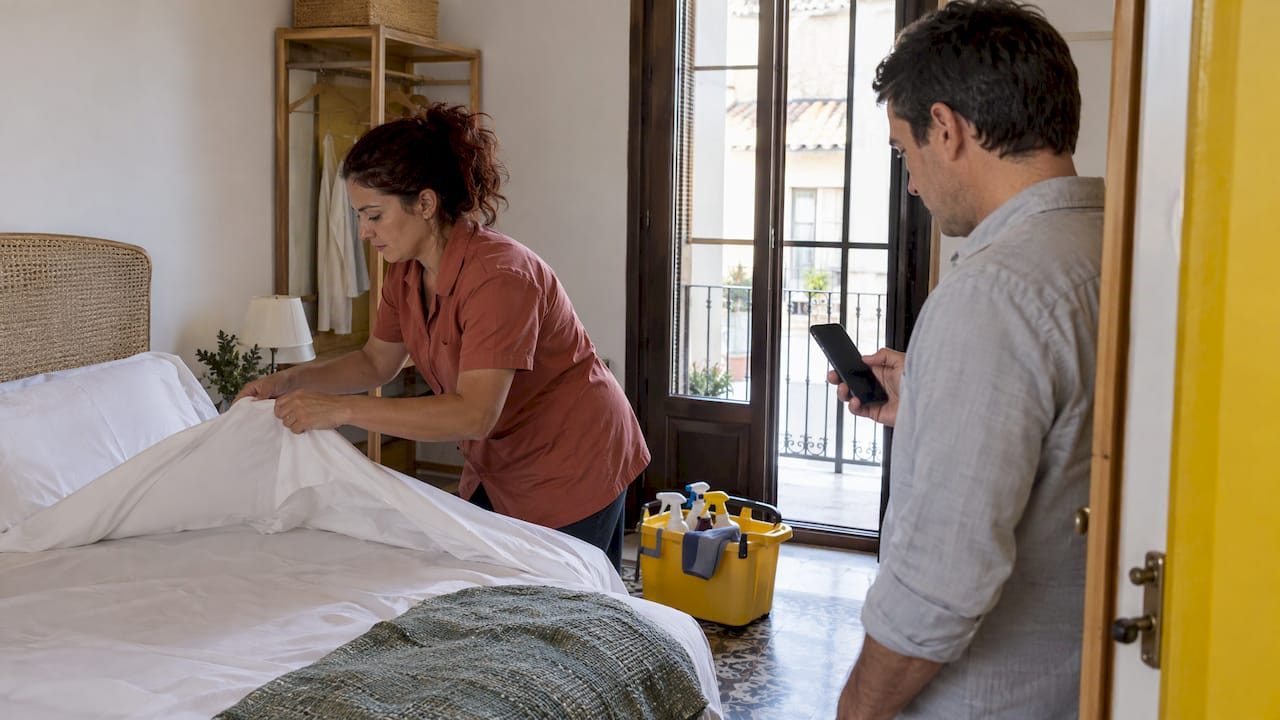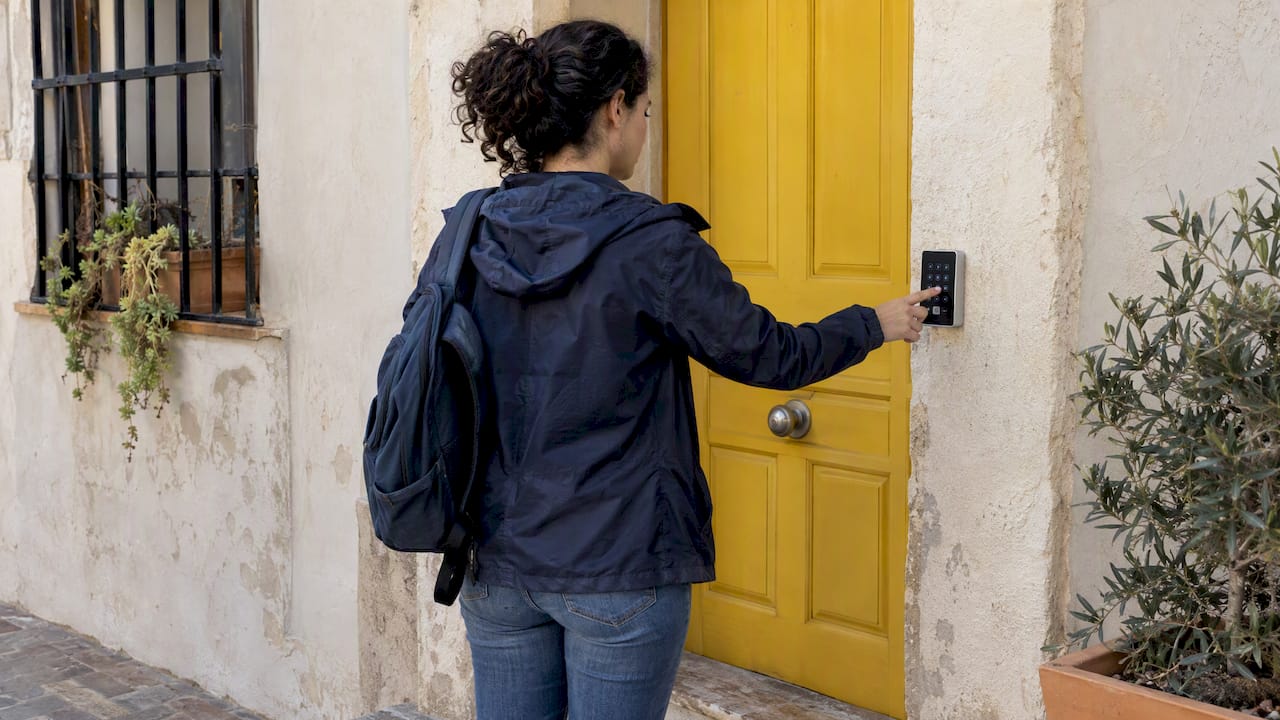
The safest remote key handover is a temporary smart-lock code or digital key issued after a privacy-first online verification. If hardware is not an option, use a vetted courier or local representative who checks ID at pickup. Whichever route you choose, document the handover and follow the guest-registration and privacy rules that apply to your property, covered below.
TL;DR:
- Spanish hosts must collect required guest data under Real Decreto 933/2021; AEPD guidance permits online forms and authentication through payment matching or single use codes.
- Send access details only after verifying the guest; release temporary codes shortly before arrival, disable them at checkout, and record the method and time.
- Keypad codes avoid app requirements; cloud locks allow remote changes but depend on connectivity, and Bluetooth locks need a gateway for remote updates.
- When building rules restrict smart locks, use a trusted courier or local contact; check local restrictions before mounting a lockbox.
Table of Contents
- Which remote handover methods fit your property?
- How do you run a secure remote handover, step by step?
- How do you verify guests remotely and stay within the rules?
- What should you know before choosing a smart lock or digital key?
- How do you reduce the risks of remote key handover?
- Why we favor automated, privacy-first access
- How does EuroCheckin support a compliant remote handover?
- FAQ
- Sources
Which remote handover methods fit your property?
Not every property can take a smart lock, and not every guest arrives on a schedule that suits a courier. Start with the options, then match one to your budget, building rules and timeline.
- Smart locks and digital keys: You issue a temporary code or app-based key for the stay. Access is fast and needs no one on site, but you pay for hardware and depend on batteries and connectivity.
- Lockboxes and key safes: A low-cost choice for a private door or gate you control. Mounting one on public fixtures such as street lamps, traffic signs or fences may be restricted, and local rules can vary, so check them first.
- Trusted courier or concierge pickup: A person hands over the key and checks ID. It works when tech is not possible, but you pay per handover and must trust the person.
- Local contact or property manager: A designated person meets the guest or leaves the key in a controlled spot. This is reliable and flexible, though it relies on someone’s availability.
- Registered or insured mail: A last resort. It is slow, hard to time against an arrival window, and leaves you with no live check of who collects the key.
Think in terms of three questions. How fast must access happen? How much can you spend per stay? How bad is the damage if a key or code ends up in the wrong hands? A smart lock answers the first and third best. A courier answers the second when you only host occasionally. Mixed setups are common: a smart lock on the unit, plus a local contact as a backup if the battery dies or the guest’s phone fails.
How do you run a secure remote handover, step by step?
Follow the same sequence every time. A repeatable process is easier to audit and harder to get wrong.
- Choose the method and confirm the arrival window. Put both in writing so the guest knows what to expect and who to contact.
- Collect only the data you must have. Ask for the fields the registration rules require and nothing extra. Avoid asking for ID photos you have no reason to keep.
- Authenticate the guest. Send a one-time code to the phone or email on the booking, or correlate the check-in with the payment method used.
- Prepare access. Create a temporary code with a start and end time, or schedule the courier and brief them on what ID to check.
- Deliver access close to arrival. Release the code or digital key shortly before check-in, not days ahead. Courier handoffs should end with the courier confirming ID against the booking.
- Verify arrival. Use the lock’s access log or a timestamped confirmation from the courier.
- Record the handover. Save the time, the method, the verification used and any photos of the property state. Keep this record minimal and lawful.
- Expire or rotate the code. Disable the guest’s access at checkout and change any shared codes.
Pro Tip: Send the access details only after the verification step is complete. A code that goes out with the booking confirmation is a key left under the doormat.
Written expectations matter as much as the tech. Tell guests what to do if the code fails, who to call, and how long they should wait before calling. Most remote handover problems come down to a guest standing at a door with no fallback.
How do you verify guests remotely and stay within the rules?
Hosts in Spain must collect and process guest data to comply with Real Decreto 933/2021, and remote verification can run through secure online forms. That means the legal duty to identify guests does not disappear when you hand over keys without meeting anyone. What changes is how you collect the data.

The Spanish data protection authority (AEPD) says the required guest data may be collected through online forms. It also describes ways to authenticate the person filling in the form, including digital certificates, correlation with the payment method, or a security code sent to the guest’s phone or email. It does not rule out other valid procedures, but the data controller, meaning you, must evaluate whether they are compatible with GDPR.
On storage, the AEPD warns that moving legacy ID collection to digital without a legal basis can violate GDPR. The practical reading is to capture the required fields, show a clear privacy notice, and skip photos or scans of ID documents unless you can justify them.
- Correlate the check-in with payment. If the person completing the form pays with a card in the same name, that is one authentication factor.
- Send a code to a verified channel. A one-time code to the phone or email on the booking confirms the person controls it.
- Use digital certificates where the guest has one. This is one available authentication option, though some travelers may not have it.
- Document the method. Note which verification you used for each stay, so you can show your process if asked.
- Keep only what you need. Retain the required registration data, not extra copies.
We cover this in more detail in our guide to collecting guest ID online without storing passport scans and our walkthrough for verifying guests and filing promptly.
What should you know before choosing a smart lock or digital key?
Smart locks come in three broad flavors, and the differences affect reliability more than convenience.
- Temporary codes: A keypad code valid for set dates. Guests need no app, which suits older travelers and last-minute bookings.
- App-based keys: The guest receives a digital key on their phone. This is tidy and traceable, but requires the guest to install software.
- Cloud-delivered access: The lock connects through a gateway so you can create or cancel access remotely. It is the most flexible setup and the most dependent on connectivity.
Bluetooth-only locks work without internet at the door, but you must be near the lock to change settings unless you add a gateway. Cloud-connected locks let you act remotely, but a lost connection can prevent updates. Ask three questions before buying: does the lock work offline, how long does the battery last, and does it keep an audit log of who entered and when? Our guide to offline smart-lock access explains how property managers balance uptime against remote control.
On security, treat every remote code like a physical key, because it opens the same door if it leaks. Buy certified hardware and install it correctly.
Pro Tip: Test the code from the outside, on the real door, before every season and after every battery change. A lock that works on your desk can fail at the doorstep.
Technology is the better pick when you want speed and little on-site contact. It is the weaker pick when the building controls the entrance, when other tenants share the door, or when municipal rules restrict what you can fit to the facade. In those cases, a local contact or courier is the more realistic route.
How do you reduce the risks of remote key handover?
Most incidents come down to codes that live too long, boxes in the wrong place, and more guest data than you need. Keep the mitigations short and routine.
- Expire and rotate codes. Set an end time on every code, limit when guests can see it, and review unlock logs after each stay.
- Skip public lockboxes. Do not attach a box to street furniture, and check whether your city restricts external boxes.
- Use certified locks and secure doors. The Spanish National Police recommends certified locks and other physical security measures, and warns that weak external security can signal an empty property.
- Add basic protection. Police guidance also suggests mobile apps and alarm activation even for short absences.
- Store less personal data. Keep required registration data, and avoid holding ID photos without a justified legal basis.
Why we favor automated, privacy-first access
Our view is simple: the handover itself is rarely where things go wrong. The failures happen around it, in a code texted to the wrong person, an ID photo left in a chat thread, a check-in nobody logged. Ad-hoc shortcuts feel faster until the first dispute or the first data complaint. A documented, automated process removes manual steps, and every manual step is a chance for error. We built our platform around that idea: online check-in, automatic guest reporting and smart-lock integrations that let you stay compliant while guests enter without meeting anyone. Pick a process you can show to someone else, and then run it the same way every time.
— Sofía Herrera
How does EuroCheckin support a compliant remote handover?
We automate the parts of remote handover that hosts tend to do by hand.
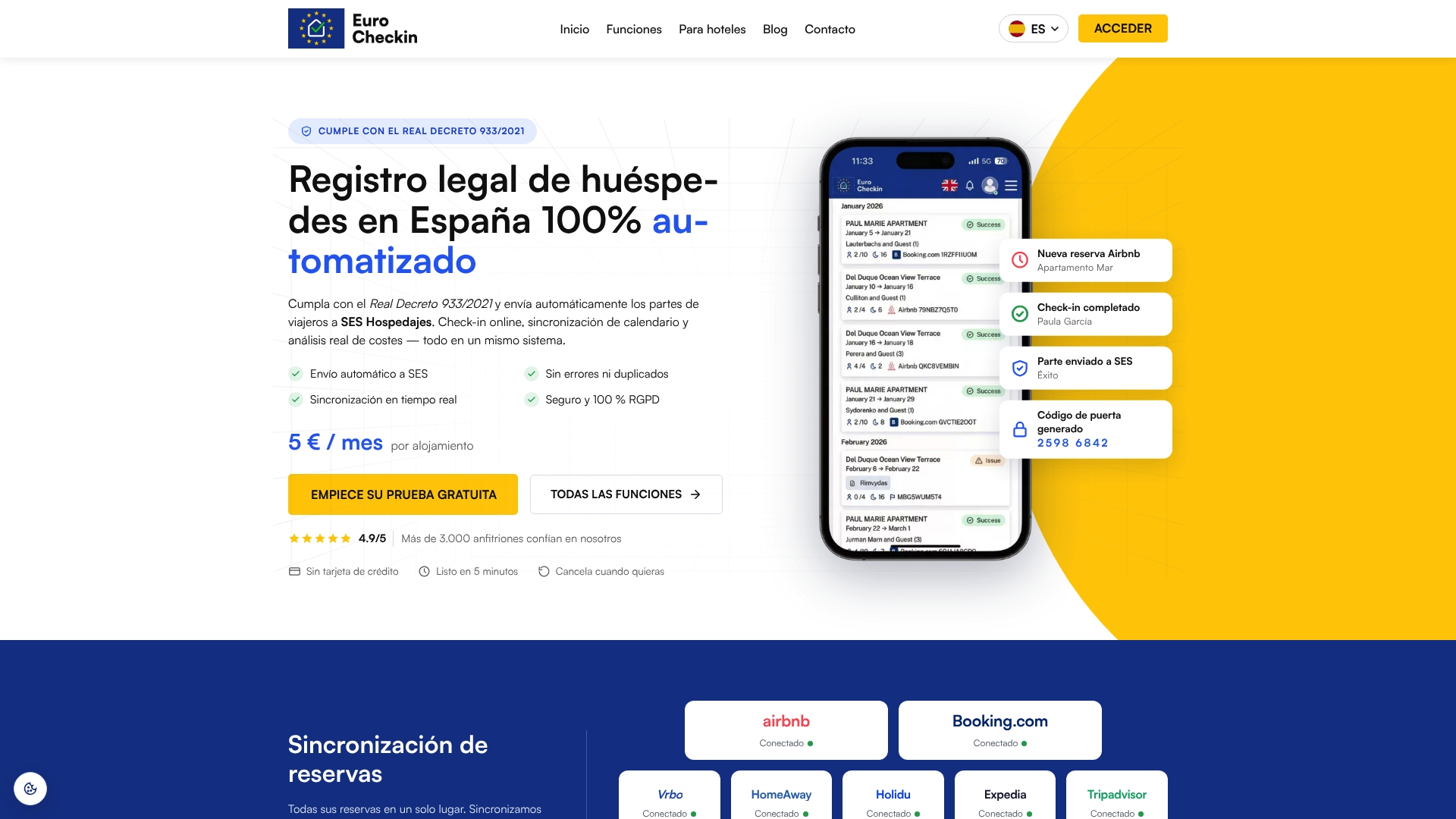
- Online check-in that is unlimited and available in multiple languages
- Automatic guest reporting to SES Hospedajes under Real Decreto 933/2021 and GDPR
- Integrations with TTLock, Nuki and Yale smart locks for self check-in
- Plans for accommodations at 5 EUR per month per property, with a free trial
Start with our Eurocheckin, then see how the smart-lock and reporting features fit your property.
FAQ
What is a key handover?
A key handover is the formal transfer of access to a property from one person to another. Done properly, it includes a record of who received the keys, when, and the condition of the property. For remote handovers, the record is usually an access log or timestamped confirmation.
What is a handover process?
A handover process is the sequence of steps through which responsibility for something, such as a rental property, passes to someone else. It typically covers identification, delivery of access, a record of the property’s state, and a clear statement of what each party agreed. Documenting it protects both host and guest if a dispute arises.
Which is correct: “handing over” or “handover”?
Both are correct. “Handing over” is the verb form (“we are handing over the keys”), while “handover” is the noun (“the handover is at 3 p.m.”). The two-word form “hand over” is the verb, and “handover” stays one word as a noun or adjective.
Can I collect a guest’s ID photo for a remote handover?
You should avoid it unless you have a justified legal basis. The AEPD says required guest data can be collected through online forms and authenticated with methods such as security codes sent to the guest’s phone or email. Capturing the required fields and documenting your verification method is the safer approach.
Sources
- Blog
- PREVENCIÓN DE ROBOS EN VIVIENDAS Y TRASTEROS
- NOTA DE LA AGENCIA ESPAÑOLA DE PROTECCIÓN DE DATOS CON RELACIÓN A LA SOLICITUD DE COPIAS DE DOCUMENTOS DE IDENTIDAD EN HOSPEDAJES PARA DAR CUMPLIMIENTO AL REAL DECRETO 933/2021