
A calendar sync audit is a scheduled check that every booking calendar for a property shows the same availability, and that a new booking, a change or a cancellation reaches all of them. To run one, list every connected calendar, compare the same dates across all channels, make a controlled test change, fix any mismatch and write down the result. This guide takes you through each step, with a template you can reuse.
TL;DR
- List every calendar connected to each property: each platform, each iCal link, your PMS or channel manager, the cleaning schedule and any owner calendar.
- Compare the same 60 to 90 days on every channel, then make a test block and check that it closes (and reopens) everywhere.
- Know each platform’s refresh interval: Airbnb refreshes every 3 hours, Vrbo every 30 minutes, Booking.com every 2 hours.
- Give every mismatch an owner, a fix and a verification note.
- Repeat the audit on a fixed schedule and after any change to a listing or a connection.
Table of Contents
- What a calendar sync audit checks and why it matters
- Step 1: Inventory every connected calendar
- Step 2: Know how each connection refreshes
- Step 3: Compare availability across channels
- Step 4: Test changes in both directions
- What to look for: delays, duplicates and gaps
- Fix a mismatch and document the result
- How often to audit
- Our perspective: audit less by automating more
- Put the audit routine on autopilot
- Audit template to copy
- FAQ
- Sources
What a calendar sync audit checks and why it matters
An audit answers one question: can you trust what each calendar shows? When calendars drift apart, three things happen quickly: you risk double bookings, you lose time updating availability by hand, and you reply to guests more slowly because you do not trust your own calendars. The same source estimates that, for a setup of two to five properties, a solid booking workflow typically saves 3 to 5 hours a week in high season.
The damage goes beyond double bookings. Calendar accuracy also decides whether the cleaning team has the right rotation, whether maintenance can be planned safely, whether owners see reliable availability and whether pricing decisions rest on real inventory. A connection that looks active but passes on incomplete information can create more work than no connection at all.
So the audit covers four areas:
- Reservations: new bookings, cancellations and modifications appear with the right dates, guest count and unit.
- Blocks: maintenance, owner stays and other operational holds are visible on every sales channel.
- Consistency: short-term availability matches between your management tool and each platform’s extranet.
- Follow-up: every sync failure, duplicate booking or unexplained closure has an owner and a documented fix.
These four areas follow a control routine described by a revenue consultant who works with accommodation operators.
Step 1: Inventory every connected calendar
Most sync problems start with a connection nobody remembers. Build a simple inventory sheet, one row per property and per calendar.
For each row, record:
- Property name and unit exactly as it appears on each platform.
- Platform (Airbnb, Booking.com, Vrbo, direct website, other).
- Direction: import only, export only or both.
- Connection type: iCal link, channel manager or direct integration.
- Where the link lives: the platform and the page where you can see or change it.
- Last successful refresh and the connection status shown.
- Person responsible for that connection.
Then add the “internal” calendars people actually read every day: your PMS or management calendar, the cleaning schedule, the maintenance calendar and any owner view. The audit must include the views people use in daily work, not only the platform extranets.
Look for three red flags while you build the sheet:
- A calendar that is imported but never exported (or the reverse) when you expected both directions.
- Two links that feed the same platform from the same source, which can produce duplicates.
- Old links from a tool you stopped using.
If you are unsure whether iCal links are enough for your volume, our comparison of calendar sync and a channel manager explains when each fits.
Step 2: Know how each connection refreshes
Before comparing calendars, know how fresh each one can be. Most delays are not errors, they are the refresh interval.
| Platform | How the sync works | Refresh interval |
|---|---|---|
| Airbnb | iCal import and export | Every 3 hours, with a manual Refresh option |
| Vrbo | iCal import, up to five calendars per property | Every 30 minutes, with manual refresh |
| Booking.com | iCal import and export | Every 2 hours, with an “Import now” button |
Booking.com’s partner guide also lists the connection statuses you should record in your inventory: Activating, Okay, Import only, Export only and Service error. A status of Service error is an immediate audit finding.
The main limit of iCal is stated in Booking.com’s Spanish documentation: synchronization is not real-time. It reduces manual updates and the risk of overbooking, but a booking made seconds before your check can still be missing on another channel. When you see a gap shorter than the longest interval in your setup, wait and recheck before you treat it as a failure. Intervals can change, so confirm them on each platform’s help page when you audit.
Step 3: Compare availability across channels
Now compare. Pick a window of 60 to 90 days, long enough to catch upcoming arrivals and short enough to review properly.
- Open your source calendar (the one you treat as the truth) for one property.
- Note every booked, blocked or closed date in the window.
- Open each connected platform’s calendar for the same property and dates.
- Mark each date as match, missing or extra.
- Check guest count, check-in and check-out dates and the unit, not only whether the dates are closed.
- Check the internal views: the cleaning schedule should show the same turnovers.
A small audit table keeps it factual:
| Date range | Source calendar | Airbnb | Booking.com | Vrbo | Result |
|---|---|---|---|---|---|
| 12 to 15 Aug | Booked | Closed | Closed | Open | Missing on Vrbo |
| 20 to 22 Aug | Owner block | Closed | Open | Closed | Missing on Booking.com |
| 28 Aug | Open | Closed | Open | Open | Extra block on Airbnb |
Stay with one property until it is clean, then move on. Doing every property at once makes it hard to see patterns.
Step 4: Test changes in both directions
Comparing existing data shows the current state. A test shows whether the connection works. Use a controlled method on each active listing:
- Create a short internal block, for example two nights in a low-demand period, in the source system.
- Check whether those dates close on every connected platform.
- Remove the block and confirm that availability returns correctly.
- If your setup allows it, also test a reservation, a cancellation, a date change and a restriction such as a minimum stay or a closed arrival date.
- Record the expected result, the actual result, the time of the change and the systems involved.
This is the test protocol suggested by the same consultant. Pick dates with no real demand, and remove the block as soon as the test ends so a test never costs you a real booking.
Test the reverse direction as well. A booking made on one platform should close the dates on the others and on your source calendar. Many setups work in one direction and quietly fail in the other.
A test log can be this short:
| Test | Made at | Expected | Actual | Delay | Pass |
|---|---|---|---|---|---|
| Block 3 to 4 Dec in source | 10:05 | Closed on all channels | Closed on all after refresh | 2 h | Yes |
| Cancel booking on Booking.com | 10:30 | Dates reopen on Airbnb and Vrbo | Still closed on Vrbo | Over 3 h | No |
What to look for: delays, duplicates and gaps
While you compare and test, sort every finding into one of these types:
- Delay: the change arrives, but later than the platform’s interval allows. Check connection status and trigger a manual refresh.
- Missing reservation or block: dates are open on one channel when they should be closed. This is the finding that causes double bookings, so fix it first.
- Extra block: dates are closed with no booking behind them. It costs revenue, and it is usually an old block that was never removed or an imported calendar that includes unavailable dates you did not intend.
- Duplicate event: the same stay appears twice, often because two links feed the same platform.
- Wrong details: right dates but the wrong unit, guest count or check-out day, which affects cleaning and guest communication.
- Silent failure: a connection that shows as active but stopped passing information, or passes it incompletely.
Seasonal and recurring blocks deserve a separate check. Owner stays, maintenance and cleaning gaps are easy to enter on one calendar and forget on another.
Fix a mismatch and document the result
Treat the calendar as a shared operating standard rather than a background setting. The most effective setup is not the most complicated one but the one your team can understand, monitor and maintain under pressure. In practice, that means a repeatable fix routine:
- Protect the guest first. If a double booking is possible, close the dates manually on every channel now, then investigate.
- Identify the source of truth. Decide which calendar is correct for those dates, using the booking confirmation.
- Check the connection. Look at its status, the last refresh and the link itself. Use the manual refresh or import button.
- Correct the cause, not only the date. Replace a broken link, remove a duplicate feed or fix the direction.
- Verify. After the next refresh, repeat the comparison for the affected dates on all channels.
- Document. Write the date, the property, what was wrong, the cause, the fix, who did it and when you verified it.
An issue log with these columns is enough: date found, property, channel, issue type, cause, owner, fix, date verified. If the same property or channel appears three times in a month, that connection needs redesigning, not another manual patch.
If you handle guest data while you audit, remember that booking calendars can include personal details. See our guide to booking calendar privacy in Spain before you share screenshots or calendar links with cleaners or owners.

How often to audit
No official body sets an audit frequency for rental calendars, so this is our working recommendation. Match it to your volume and risk:
| Situation | Suggested routine |
|---|---|
| Quick look at upcoming arrivals | Weekly, in high season even more often |
| Full comparison of 60 to 90 days | Monthly |
| Full audit with tests and inventory review | Quarterly, and before high season |
| Event-triggered audit | After adding a platform, changing a listing, replacing a link or switching tools |
Trigger an extra audit after any double booking, any unexplained closure or any change of channel connection. Keep each audit short: a one-property check should take minutes once the inventory sheet exists.
Our perspective: audit less by automating more
We build EuroCheckin around a simple idea: an audit should confirm that things work, not rescue them. Most of the hours owners spend on calendar checks come from manual steps: copying dates, remembering which link goes where, and updating one platform after another.
That is why we offer automatic calendar synchronization across Airbnb, Booking and more than 12 platforms, designed to keep your availability updated and avoid overbooking. When the connection is automatic, your audit shrinks to the parts that need judgment: reading the statuses, running a test block and confirming that cleaning and arrivals match.
We also think calendars should not live apart from arrivals. When check-in, guest data and smart lock access sit in the same platform as availability, every booking change has one place to be checked. Our smart lock integrations (Nuki, TTLock and Yale) let you confirm that an arrival matches the booking you see on the calendar.
Our advice: audit on a schedule, write down what you find and let automation do the repetitive work.
Sofía Herrera
Put the audit routine on autopilot
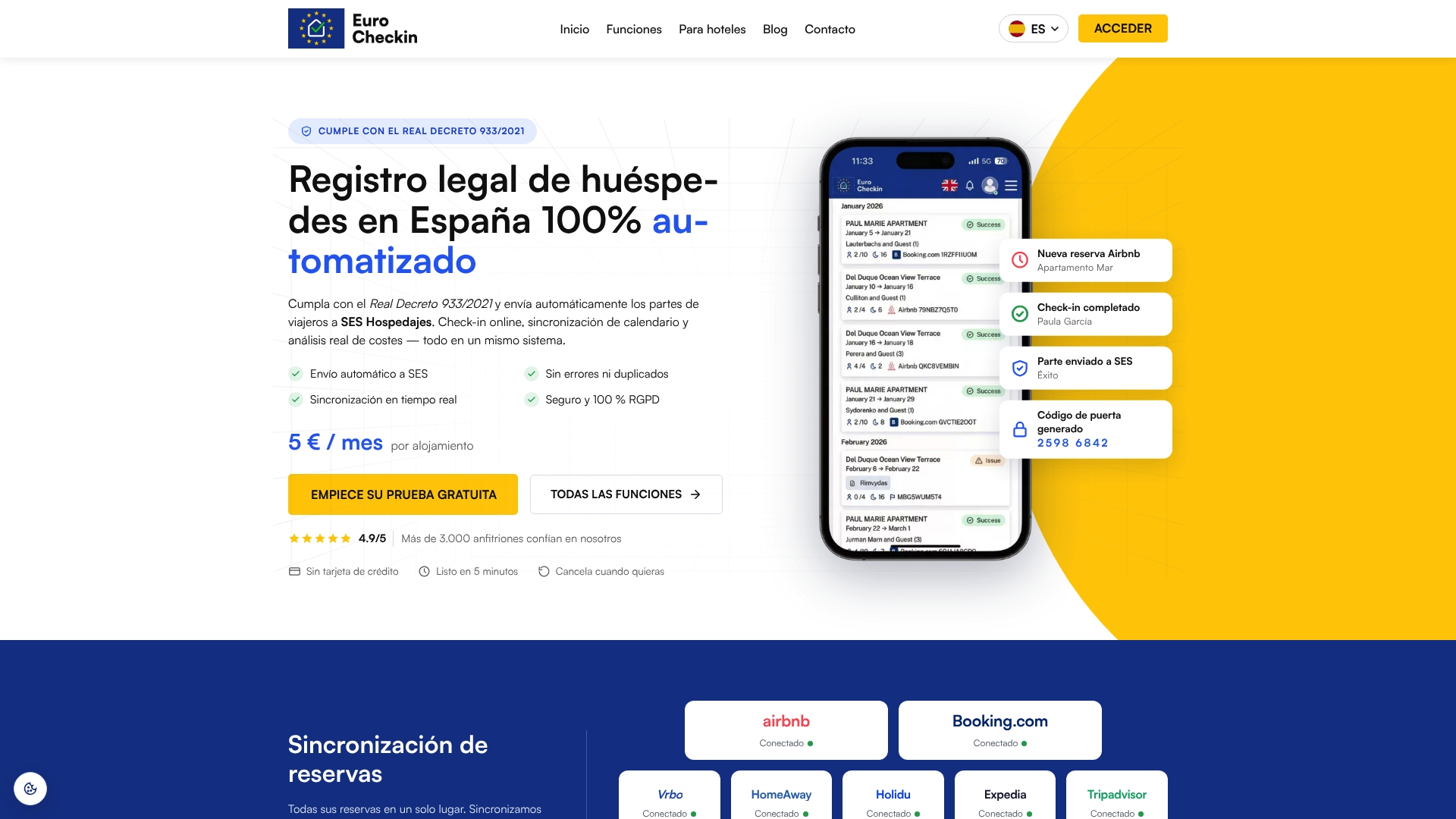
If you manage tourist accommodation in Spain, EuroCheckin combines calendar synchronization across Airbnb, Booking, Vrbo and more than 12 other platforms with online check-in, digital contracts and reporting to SES Hospedajes. Plans for accommodations start at €5 per month per accommodation, with a free trial, and hotels pay €3 per month per room. You can see how it works on the EuroCheckin page for accommodations.
If traveler registration is the other recurring task on your list, read our guide to SES Hospedajes compliance for Spanish hosts.
Audit template to copy
Use this one-page checklist for each property:
- Inventory updated: all calendars, directions, links, statuses and owners listed.
- Refresh intervals confirmed on each platform’s help page.
- 60 to 90 days compared across every channel and the internal calendars.
- Test block created, confirmed closed everywhere, removed and confirmed open.
- Reservation, cancellation and date change tested where the setup allows.
- Every finding logged with type, cause and owner.
- Fixes verified after the next refresh.
- Next audit date set.
FAQ
How long does a calendar sync audit take?
For one property with three channels, a comparison plus one test block usually takes under an hour, including the waiting time for refreshes. The first audit takes longest because you build the inventory. Later audits are faster because you only update the sheet.
Why do my calendars show different availability if the sync is active?
Often it is the refresh interval, since iCal sync is not real-time. Airbnb, Booking.com and Vrbo each refresh on their own schedule, so wait for the longest interval and use the manual refresh. If the gap persists, check the connection status and the link direction.
Do I need a channel manager instead of iCal links?
It depends on how many properties and channels you run, and how often a delay would cost you a booking. iCal is simple and works for small setups, while larger portfolios often want faster, two-way connections. Our calendar sync versus channel manager guide lays out the criteria.
What should I record after fixing a mismatch?
Record the date found, property, channel, type of issue, cause, who fixed it, what they changed and the date you verified the result. Verification matters most: confirm the dates match on every channel after the next refresh.
Sources
- Airbnb Help: Sync your calendar to other websites
- Vrbo Help: Import a calendar to sync with Vrbo
- Booking.com Partner Hub: How to synchronize your calendars across channels
- Booking.com Partner Hub: Cómo sincronizar tus calendarios en todos los canales
- Alejandro Agazzi: Cómo sincronizar calendarios OTA sin huecos de reserva
- CostaDelClicks: How Almería Holiday Lets Sync Calendars