Most smart lock battery problems come down to four things: the wrong battery type, a weak network connection, a door that makes the motor work too hard, or a lock used more often than its maker designed it for. Fix those, replace batteries on a schedule instead of waiting for the warning, and keep a physical backup entry. Then a battery will not cost you a guest arrival. This guide explains what happens when a lock goes flat, why batteries drain early, how to troubleshoot step by step and how to monitor locks across several properties in Spain.
TL;DR
- A dead battery stops the app, keypad and codes. Plan a separate backup entry, such as a lockbox with a physical key, because backup codes do not work on dead batteries.
- Fast drain usually comes from weak Wi-Fi or Thread signal, mixed or lithium batteries where the maker asks for alkaline, heavy daily use, or door friction.
- Replace all cells at once with new, good-quality batteries of the type the manufacturer specifies, and do it before the lock reaches the critical state.
- If your lock is managed through a property management system, monitor battery status there. Airbnb does not show real-time battery status for those locks.
- Treat every low-battery alert as an operational incident, not a reminder for later.
Table of Contents
- What happens when a smart lock battery runs out
- Why smart lock batteries drain too fast
- How long should smart lock batteries last?
- Troubleshooting: a step-by-step routine
- Choosing and replacing batteries safely
- Preventing guest lockouts across several properties
- Our perspective
- When to contact the manufacturer or a locksmith
- Automate the lock, the registration and the arrival in one place
- FAQ
- Sources
What happens when a smart lock battery runs out
The answer depends on the model, but the pattern is the same. Electronic functions stop first: app commands, keypad, fingerprint and codes. The mechanical parts of the door remain.
Take Nuki as an example. When the batteries are empty, the lock cannot receive commands from the app or web, but you can still turn the knob from inside or open the door from outside with the physical key. That only helps if you have the key available and your guest does not.
Some models also have emergency power. Yale’s catalogue says compatible digital locks give a low-battery warning through an alarm and LED, and that a standard 9V battery can supply emergency power when the internal batteries are fully discharged. The igloohome Keybox 3 manual describes a similar idea: USB-C emergency jump-start from a power bank and a low-battery alert at 20% or below.
Offline is not the same as dead
A lock that loses its connection is not necessarily out of power. Airbnb explains that a confirmed guest can still use a code that was already synchronized, because the code and its validity period are stored on the lock. Dead batteries, however, prevent guests from using the lock at all.
Backup codes have the same limit. Airbnb says they help when a lock is offline but still usable, and they do not work when batteries are dead or the keypad is broken. Its advice is to have a separate backup entry method, such as a lockbox with a physical key.
For a host in Spain, this is the practical point: the battery is the single point of failure of your self check-in. Everything else you automate (guest registration, codes, messages) depends on the lock opening.
Why smart lock batteries drain too fast
If batteries last weeks instead of months, look for one of these causes before you blame the lock.
1. Weak or missing network signal
A lock that keeps searching for a weak Wi-Fi or Thread network uses more power. Schlage’s support guidance for its Encode series lists weak or absent Wi-Fi among the causes of poor battery life and recommends restoring the connection. In practice, a connectivity fault often turns into a battery fault. If the lock sits at the far end of a stone-walled corridor, as many Spanish apartment buildings have, check signal strength at the door first. A bridge or Wi-Fi extender placed closer can help.
2. Pairing with more than one ecosystem
Schlage says that simultaneous pairing with Schlage Home and Apple Home can drain a Sense Pro faster. Its Sense Pro support article also names more than 35 to 40 uses per day as a cause. The Encode guidance sets the bar lower, at more than 10 to 15 lock and unlock cycles a day. A busy rental with cleaners, guests and maintenance can pass those numbers on turnover days.
3. The wrong battery type
Schlage warns that lithium or rechargeable batteries may not give consistent power and recommends high-quality alkaline cells for the Sense Pro. Always read your own model’s manual. Kwikset also advises using all-new batteries rather than mixing new and used cells.
4. Mechanical friction
This is the cause owners most often miss. Kwikset’s guidance says door misalignment and bolt resistance make the motor work harder and shorten battery life. If a door sags, swells in humid weather or the latch binds on the strike plate, the lock fights it on every cycle. Check the mechanics before replacing batteries again and again.

5. Corrosion and damaged contacts
One common support answer is that rust or corrosion on the battery terminals can stop the lock from reading the charge correctly, and a damaged wire connector can cause the same symptoms. Open the compartment and look. Clean terminals gently or replace them if the lock allows it.
6. Temperature
Batteries lose performance in extreme heat or cold. On a sunny Mediterranean balcony door or a mountain cabin in winter, expect shorter life than the manual’s headline figure.
How long should smart lock batteries last?
Manufacturers give estimates under normal use, and your real figure depends on traffic, signal, door condition and battery type. These are the figures from the manufacturers’ own pages:
| Lock | Stated battery life | Conditions |
|---|---|---|
| Schlage Encode series | About 6 months | Poor life linked to lithium or low-quality cells, weak Wi-Fi, heavy use |
| Schlage Sense Pro | About 6 months | Normal use |
| Kwikset (four AA) | Up to 1 year | About 10 entries per day, aligned door |
| Yale Luna Pro, rechargeable | About 6 to 8 months per full charge | Varies by use |
| Yale Luna Pro, alkaline | About 12 to 15 months | Varies by use |
| igloohome Keybox 3 (four AAA) | Up to 12 months | Alkaline batteries |
Sources: Schlage Encode, Schlage Sense Pro, Kwikset, Yale Luna Pro and igloohome.
The useful takeaway for a short-term rental: a lock used by a household ten times a day is a different workload from one that sees check-ins, cleaners, laundry runs and late arrivals. If your lock gets more traffic than the manufacturer’s example, plan on a shorter replacement cycle than the table suggests.
Troubleshooting: a step-by-step routine
When a lock shows a low-battery warning or stops responding, work through these steps in order.
- Identify the state. Airbnb distinguishes low battery, critically low battery, offline and disconnected. Replace batteries soon for low battery. Act right away for critically low or offline. If the lock is disconnected, update the check-in method. Status can take a few minutes to refresh after you act.
- Check upcoming arrivals. If a guest arrives within hours, go to the property or send a person with a spare set of batteries and the physical key.
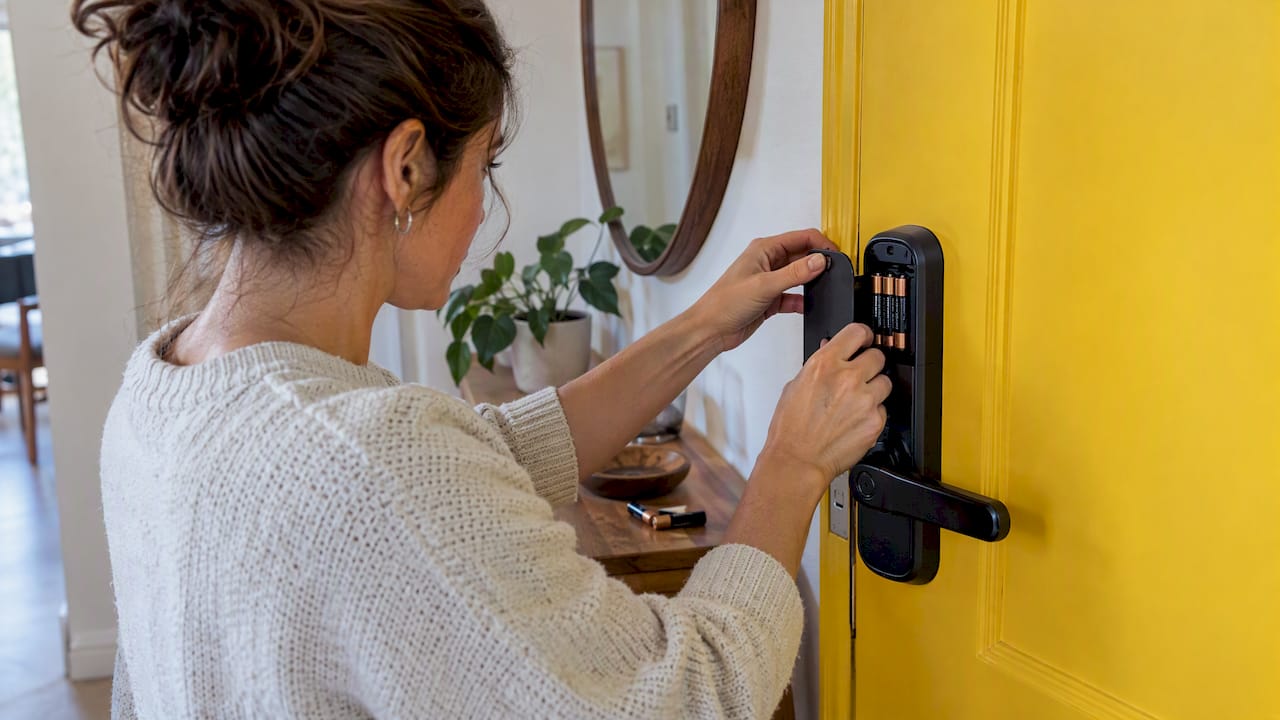
- Replace all batteries at once. Use new cells of the type your manual specifies. Do not mix old and new.
- Inspect the compartment. Look for corrosion, bent contacts and damaged wiring.
- Test the door. Open and close it with the lock unlatched. If it binds, fix the alignment or the strike plate before you finish.
- Check the signal. Test Wi-Fi or bridge connection at the door. Remove duplicate pairings you do not need.
- Run a test cycle. Lock and unlock several times from the app and the keypad, then confirm that codes for upcoming bookings are still stored.
- Log it. Note the date, battery brand and model so you can see how long each set lasts.
If the lock is already in warning mode, remember how much time you may have. A Yale YF106X-series manual says that below 7.0V the lock announces low battery at each unlocking and may still permit about 50 unlocks. The Yale Luna Pro guide gives a similar figure of about 50 operations at low power. That is a margin of days at best on a busy property, so do not treat it as a grace period.
Choosing and replacing batteries safely
- Follow the manual for chemistry. Some locks are designed for alkaline cells and perform badly with lithium or rechargeables. Others are built around a rechargeable pack.
- Buy good-quality cells. Schlage links poor battery life to low-quality batteries.
- Replace as a set. Never combine old and new batteries.
- Keep spares on site. A small sealed bag of fresh batteries, stored with your cleaning supplies, saves a trip.
- Know your emergency power option. Some locks accept a 9V battery or a USB-C power bank on the outside contacts. Test it once, when there is no guest waiting.
- Dispose of used batteries properly. Take them to a battery collection point rather than the general bin.
Preventing guest lockouts across several properties
One lock is easy to watch. Ten are not. A preventive routine matters most when you manage several apartments or a small hotel.
Monitor through the right system. Airbnb says that when a property management system manages the lock, it does not provide real-time battery or connectivity status. Hosts must monitor the lock through the PMS and give backup-entry instructions. Where Airbnb does connect to the lock, it can notify hosts when a lock goes offline, is disconnected or has low battery, using the channels you have enabled. Turn those notifications on, and do not rely on one alert channel.
Set a replacement calendar. Replace batteries at about 70 to 80% of the stated lifespan for your traffic level, not at the warning. A six-month cell becomes a four-month routine on a high-turnover unit.
Time the swap around bookings. Schedule it on a checkout day, when the property is empty and a cleaner is already on site.
Write the fallback down. Every property needs a one-page procedure: where the physical key is, who can reach the door and in how many minutes, and what the guest is told. Send it to your cleaners and local contact.
Keep the code logic reliable. Codes that are generated and sent automatically for every reservation remove one more failure point. Our guide on how to automate smart lock codes for every booking shows how to set that up.
Keep guest information in order. A working lock still has to sit within a compliant check-in. Our overview of SES Hospedajes compliance for Spanish hosts explains what you must report for each guest, and the guest data checklist for Spain lists what to collect.

Give guests the answer before they ask. A digital guide with a QR code can hold entry instructions and the number to call if the door does not open. See how to set up a QR code guest guide for a Spanish rental.
Our perspective
A battery warning is a guest-experience problem before it is a maintenance problem. In our work with Spanish hosts, hotels and property managers, the lock is where every automated step meets the real door: registration, the self check-in message, the access code. If the battery fails, the rest of the process fails with it.
That is why we treat the lock as part of one connected flow rather than a separate gadget. EuroCheckin integrates with Nuki, TTLock and Yale locks, so the same booking that triggers the online check-in and the guest registration also drives access. With the arrival notices you get in real time, you see who is arriving and when, and you can check the lock before that arrival, not after.
Our advice is simple. Pick a lock whose battery behavior you understand. Replace batteries on a calendar. Keep a physical backup you have tested. And make sure every arrival is visible to you in one place, so a flat battery is a ten-minute job on a quiet morning rather than a call at midnight.
Sofía Herrera
When to contact the manufacturer or a locksmith
You can fix most battery problems yourself. Call for help in these situations:
- Fresh batteries drain within weeks and the door moves freely, signal is good and use is normal. The lock itself may be faulty, and the manufacturer’s support, or your installer if the warranty runs through them, is the right contact.
- The compartment or wire connector is damaged. Do not improvise repairs on the electronics.
- The lock is stuck in the locked position with the door shut and the guest outside. A locksmith can open the door without damaging it, so ask for a professional who works on smart or electronic locks.
- The door binds or sags and you cannot adjust it. A carpenter or the locksmith who fitted the lock can correct the alignment that is wearing it out.
- The lock keeps losing connection even after you improve the signal. Ask the manufacturer to check firmware and bridge compatibility.
Keep your proof of purchase, the model number and your battery log before you call. Support will ask for them first.
Automate the lock, the registration and the arrival in one place
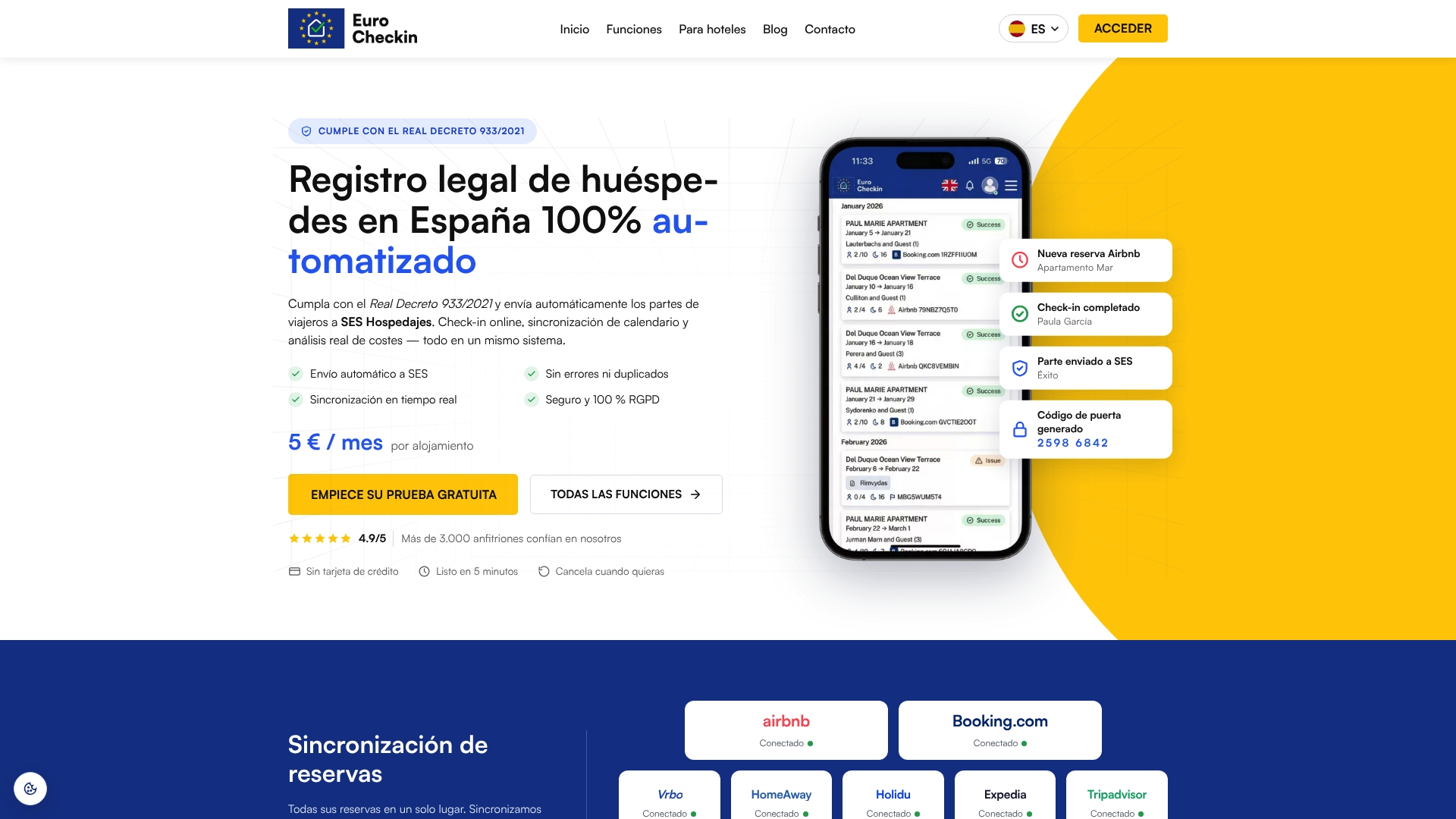
A lock that opens on time is only one part of a smooth arrival. EuroCheckin connects online check-in, automatic reporting of guest data to SES Hospedajes and smart lock integration (Nuki, TTLock and Yale) so you can watch each arrival in real time. Plans start at 5 € per month per accommodation for apartments and homes, and 3 € per month per room for hotels, with a free trial. If you need help with the official registration, the SES Hospedajes registration service starts from 79 € one-off per accommodation.
See EuroCheckin for accommodations, the plan for hotels or the SES Hospedajes registration service.
FAQ
How do I get into my property if the smart lock battery is dead?
Use the physical key if your lock has a key cylinder, or the emergency power contacts if your model has them, such as a 9V battery or a USB-C power bank. Backup codes will not work on a dead battery. Keep a lockbox with a spare key as a separate entry method.
How often should I change smart lock batteries in a rental?
Manufacturers state between about 6 and 15 months depending on model and battery type. For a rental with frequent check-ins, replace earlier than the stated figure, using your own log as a guide, and always before a low-battery warning turns critical.
Why does my smart lock battery drain in weeks?
The usual causes are weak Wi-Fi or Thread signal, the wrong battery chemistry, too many daily uses, pairing with several apps and a door that makes the motor work harder. Check the signal and the door alignment first, then try new alkaline cells if the manual specifies them.
Will I be notified if the battery is low?
Locks warn at the door with a sound or light, and Airbnb can send low-battery, offline and disconnected notices when it is connected to the lock. If a property management system controls the lock, Airbnb does not show real-time battery status, so monitor it there.
Sources
- Nuki: What happens when the Smart Lock batteries are empty
- Yale Link smart lock catalogue 2022
- igloohome Keybox 3 manual
- Airbnb Help: smart lock status
- Airbnb Help: backup entry and backup codes
- Airbnb Help: smart lock notifications
- Airbnb Help: PMS-managed smart locks
- Schlage Encode series: poor battery life
- Schlage Sense Pro: poor battery life
- Kwikset: battery life issue
- Yale Luna Pro user guide
- Yale YF106X series user manual