A guest check-in form for a stay in Spain should ask for the traveler data listed in Annex I of Real Decreto 933/2021: names, sex, ID document, nationality, date of birth, home address, contact details and the number of travelers. Anything beyond that is optional, and anything that duplicates it (such as a copy of the passport) should be left out. Below you will find the exact questions to include, how to handle children, and a short set of arrival questions that help you prepare.
This guide is for owners and managers of vacation rentals, hostels and hotels in Spain. It is not about coaching or team check-ins, which is what many generic “check-in questions” pages cover.
TL;DR
- Collect the Annex I data for every traveler: full name, sex, document type and number, nationality, date of birth, habitual residence, phone and email.
- Ask for the number of travelers and, if any traveler is a minor, how they are related to the others.
- Do not ask for photos or copies of ID cards or passports. The data protection authority says this breaks data minimization.
- Every traveler over 14 signs. Data for children under 14 is provided by the accompanying adult.
- Keep arrival questions (arrival time, accessibility, special requests) separate and clearly optional.
Table of Contents
- The questions your form must ask
- Children and groups: who answers and who signs
- Questions to leave out
- Verifying identity when the guest is not there
- Optional arrival questions that help you prepare
- A sample form, step by step
- Who sends the data, and how long you keep it
- Our perspective
- Make the form work for you
- Common mistakes to avoid
- FAQ
- Sources
The questions your form must ask
Spain’s rules on traveler registration come from Real Decreto 933/2021. Its Annex I lists the data that accommodation providers must collect. For each traveler, that means:
| Question on the form | Why it is there |
|---|---|
| First name and surname(s) | Identity of the traveler |
| Sex | Required field in Annex I |
| ID document type (ID card, passport, residence permit, etc.) | Identifies the document used |
| ID document number | Identity check |
| Document support number (for professional lodging) | Listed in Annex I for professional providers |
| Nationality | Required field |
| Date of birth | Required field |
| Habitual residence: address, town, country | Required field |
| Phone number (landline or mobile) and email | Contact details |
| Number of travelers | Describes the group |
| Relationship to the other travelers, if any traveler is a minor | Kinship data for minors |
The same Annex I also covers transaction data: the contract, the stay, the property and the payment details. Your form does not need to ask guests to retype what you already have from the booking. Dates, property and payment method usually come from the reservation itself, so pulling them in automatically saves the guest from answering twice.
The source for the personal data list is the BOE text of the Real Decreto. If you want a plain-language walkthrough of the whole rule, read our explanation of Real Decreto 933/2021. For a field-by-field list of what to collect and what to skip, see our guest data checklist for Spain.
Wording that avoids errors
The Ministry of the Interior says the accommodation provider is responsible for the accuracy of the recorded data, which must match the documents or systems that prove the guest’s identity. The form wording should help guests get this right:
- Ask for the name “exactly as it appears on your ID or passport”, not “your name”.
- Use a drop-down for document type instead of free text.
- Split the address into street, town, postal code and country.
- Use a country list for nationality and residence, so you do not receive “UK”, “England” and “United Kingdom” for the same guest.
- Ask for the date of birth in a date picker, not as typed text, since guests from different countries write dates in different orders.
These small choices reduce corrections later, when the data has to be sent to the authorities.
Children and groups: who answers and who signs
Groups are where most forms fail. Two rules from the Ministry of the Interior shape the questions:
- Registration forms must be signed by every traveler older than 14 who uses the accommodation.
- The data of children under 14 is included in the register, but it is provided by the accompanying adult.
In practice, build the form so the person who books can add each companion, and so every companion over 14 receives their own link or signature step. For under-14s, show the same fields but make clear that an adult fills them in. Add a question such as “Is this traveler a minor?” that, when answered yes, opens the relationship field (parent, grandparent, legal guardian, other).
A common mistake is to collect full data only for the lead booker and a headcount for everyone else. That does not satisfy the rule, because Annex I applies to each traveler.
Questions to leave out
A short form is easier to complete and easier to defend. The Spanish data protection agency (AEPD) states in its note on the hospitality registry that providers must not ask for copies of ID cards or passports, because that conflicts with the GDPR principle of data minimization. The same note says an online or in-person form should collect only the data required by Annex I sections A.3 and B.3.
So, do not include:
- An upload field for passport or ID photos.
- Questions about religion, health, ethnicity or other sensitive data.
- Fields for data you already hold from the booking and do not need again.
- Marketing consent bundled into the legal registration step. If you want to send offers, ask in a separate, optional checkbox.
The form should also tell guests, in simple words, why you collect the data (a legal obligation to report to the authorities), who receives it, and how long it is kept. Put this text next to the first field, not hidden in a footer.
Verifying identity when the guest is not there
With online check-in, nobody checks the document at a desk. The AEPD suggests several ways to confirm the identity of a guest who is not physically present: digital certificates, checking that the payment information matches, or security codes sent to the guest’s phone or email. Your form can support this without asking for extra documents:
- Ask for a mobile number and email that you verify with a one-time code.
- Ask the guest to confirm that the name on the form matches the name of the payment method used for the booking.
- Offer a digital certificate option for guests who have one.
These steps are also a reason to keep contact fields mandatory. They are not only for sending the welcome message.
Optional arrival questions that help you prepare
The legal fields tell the authorities who stayed. They do not tell you how to welcome them. These extra questions are our recommendation, not a legal requirement, and each should be marked optional so that they never block the registration.
Arrival and access
- What time do you expect to arrive?
- How are you arriving (car, train, flight)? If by car, do you need parking information?
- Will anyone arrive separately from the main group?
Stay preparation
- Do you need a baby cot or high chair?
- Are there any accessibility needs we should know about, such as step-free access?
- Are you celebrating a special occasion?
- Do you have any allergies we should consider if breakfast or a welcome basket is included?
Communication
- Which language do you prefer for messages?
- What is the best way to reach you on the day of arrival?
A note on sensitive answers: accessibility or allergy questions may touch on health. Ask them only if you can act on the answer, make them free-text and optional, and tell guests how the information is used. If you do not need them, leave them out.
Keep this block short. Four or five optional questions is plenty. Each extra question lowers the chance that a guest finishes the form before arrival.
A sample form, step by step
Here is the order we recommend for a clear, complete form:
- Welcome and purpose. One sentence on why you ask for the data and a link to the privacy notice.
- Lead guest. Name, sex, document type and number, nationality, date of birth, residence, phone, email.
- Companions. Add each traveler with the same fields. For under-14s, an adult completes them. For minors, ask the relationship.
- Identity confirmation. Verification code by phone or email, or digital certificate.
- Arrival details (optional). Arrival time, special requests.
- Signature. Each traveler over 14 signs.
- Confirmation. Show a summary and send a copy to the guest.
Writing each instruction as one clear action helps people finish the form on a phone, which is where most guests will open it.
Who sends the data, and how long you keep it
The form is only the first step. The data then has to reach the authorities. The Ministry of the Interior explains that professional providers must communicate customer data through the SES.HOSPEDAJES application, using electronic communication. It also notes that non-professional providers are exempt from documentary recording and retention obligations but remain subject to communication obligations.
Professional providers must also keep the digital registration records for three years from the end of the service. Plan your storage and access rules accordingly, and delete optional answers (such as arrival preferences) once the stay is over, unless you have a reason to keep them.

For the registration process itself, our guide to SES Hospedajes compliance covers what Spanish hosts need to do. If you list on Airbnb, see what you must register in our Airbnb host registration guide.
Our perspective
We built EuroCheckin around one idea: the form should be the only time a guest types their data, and the host should never retype it. In our experience, most problems start when a host collects data in chat messages, by email or as photos of documents, and then has to copy it into SES Hospedajes by hand.
That is why our online check-in is designed to ask only for the fields the regulation requires, in the guest’s language, and to send them to SES Hospedajes automatically. There are no duplicate records and no copies of ID documents to store.
We also think the form is a chance to start the guest relationship well. A clear, branded form that takes a few minutes sets the tone for the stay, and optional arrival questions give you what you need to prepare. When it also connects to your calendar, smart lock and guest guide, the guest gets a smooth arrival and you get your time back.
Sofía Herrera
Make the form work for you
If you are building your own form, the fields above are the core. If you would rather not maintain it, EuroCheckin gives you unlimited multilingual online check-in, with smart links for Airbnb, Booking and Vrbo, and automatic reporting to SES Hospedajes. Plans start at €5 per month per accommodation, with a free trial. Hotels pay €3 per month per room.
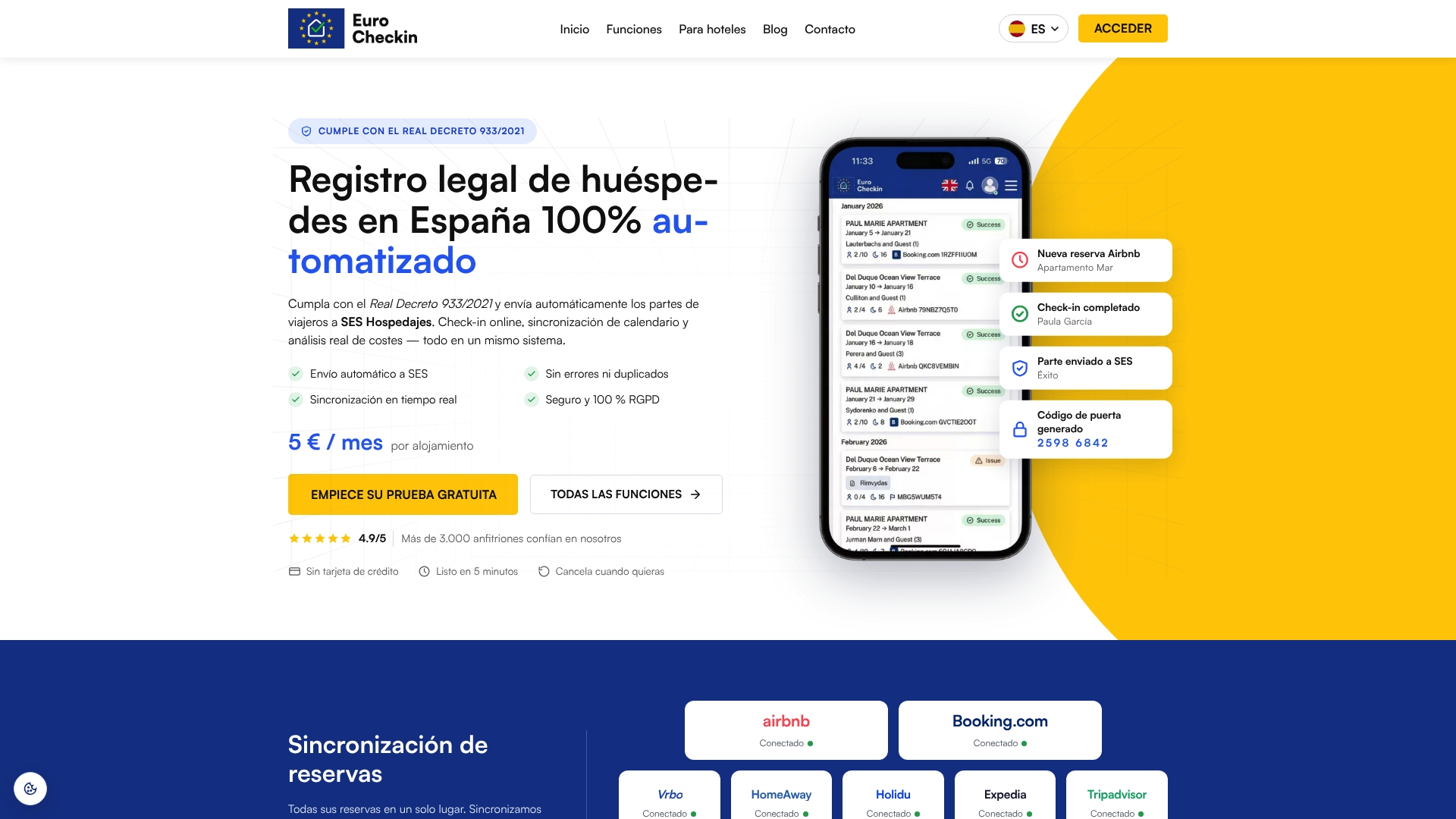
If you need help registering with SES Hospedajes first, we offer a registration service from €79, one-off, per accommodation. You can also give the form your own look with custom branded check-in, and pair it with a QR code guest guide so guests find house rules and directions right after they submit.
Common mistakes to avoid
- Asking only for the lead guest’s data. Every traveler needs their own record.
- Requesting a passport photo. The AEPD says not to request copies of identity documents.
- Free-text fields for nationality or document type. They create inconsistent data.
- Skipping the signature for teenagers. Everyone over 14 signs.
- Mixing consent for marketing with the legal form. Keep them separate.
- Making optional arrival questions mandatory. A missing answer about arrival time should never block a legal registration.
- Hiding the privacy information. Place it where the guest starts the form.
To see how a guest’s booking data moves between platforms without exposing more than needed, read our piece on Booking calendar privacy. Once check-in is smooth, you can automate smart lock codes for each booking, and later explore which extra services to offer guests.
FAQ
What is the minimum information a check-in form must collect in Spain?
Annex I of Real Decreto 933/2021 requires each traveler’s full name, sex, ID document type and number, nationality, date of birth, habitual residence, phone and email. You also record the number of travelers and, when a minor is present, the relationship between travelers. Professional providers also record the document support number.
Can I ask guests to upload a photo of their passport?
No. The AEPD says providers should not request copies of ID cards or passports, because it violates GDPR data minimization. You may collect the required data through an online or in-person form instead.
Do children have to sign the check-in form?
Only travelers older than 14 sign. For children under 14, the accompanying adult provides the data. The form should ask for the relationship when any traveler is a minor.
Can I add questions about arrival time or special requests?
Yes, as long as they are optional and separate from the legal fields. Arrival time, parking, a baby cot or accessibility needs help you prepare, but they are not part of the registration. Ask for health-related details only if you will act on them.
How long do I keep the check-in data?
Professional providers must keep the digital registration records for three years from the end of the service. Optional answers such as arrival preferences are not part of that record, so delete them when they are no longer useful.
Sources
- Real Decreto 933/2021, BOE-A-2021-17461
- Ministerio del Interior: Partes de entrada y obligaciones de registro documental
- Ministerio del Interior: Interior activa el nuevo registro de hospedaje
- AEPD: Nota sobre el registro de hospedajes
- AEPD: Expediente EXP202502936